
App reviews in Discord, no bot.
Looking for a Discord bot for app reviews? You do not need one. AppReply sends Apple App Store and Google Play reviews through a Discord webhook, straight to your channel.
10-day Pro trial · No credit card
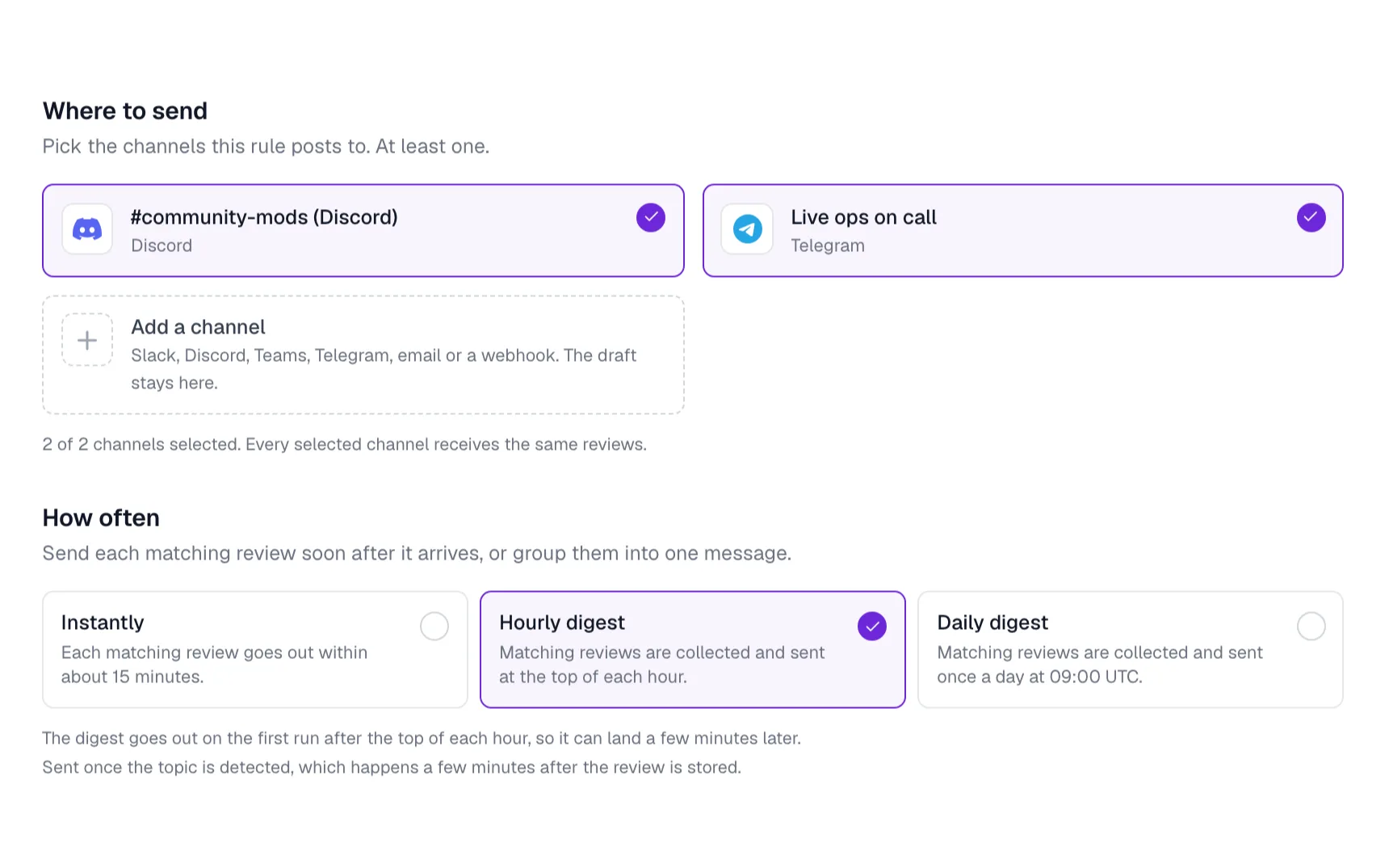
Connect a Discord channel.
Discord shows its own server and channel picker, so you decide where reviews post.
Permissions and data
One webhook in one channel. No bot joins your server, and AppReply cannot see its messages or members.
Connect Discord in AppReply
In AppReply, go to Alerts and then Channels. Find Connect a chat app and click Connect beside Discord.
Pick a server and channel
Discord asks which server and channel to post in. Approve the incoming-webhook permission.
Run a test
Use the test send and look for the message in Discord.
Route reviews to it
Create or edit an alert rule and add the Discord channel as a destination.
Reviews your mods and devs can read at once.
Each review posts as a Discord embed, with the stars and the app name on top and the review below. A rule can add a translation next to the original, so a review in Portuguese is clear to everyone. Your team then replies from AppReply, not from Discord.
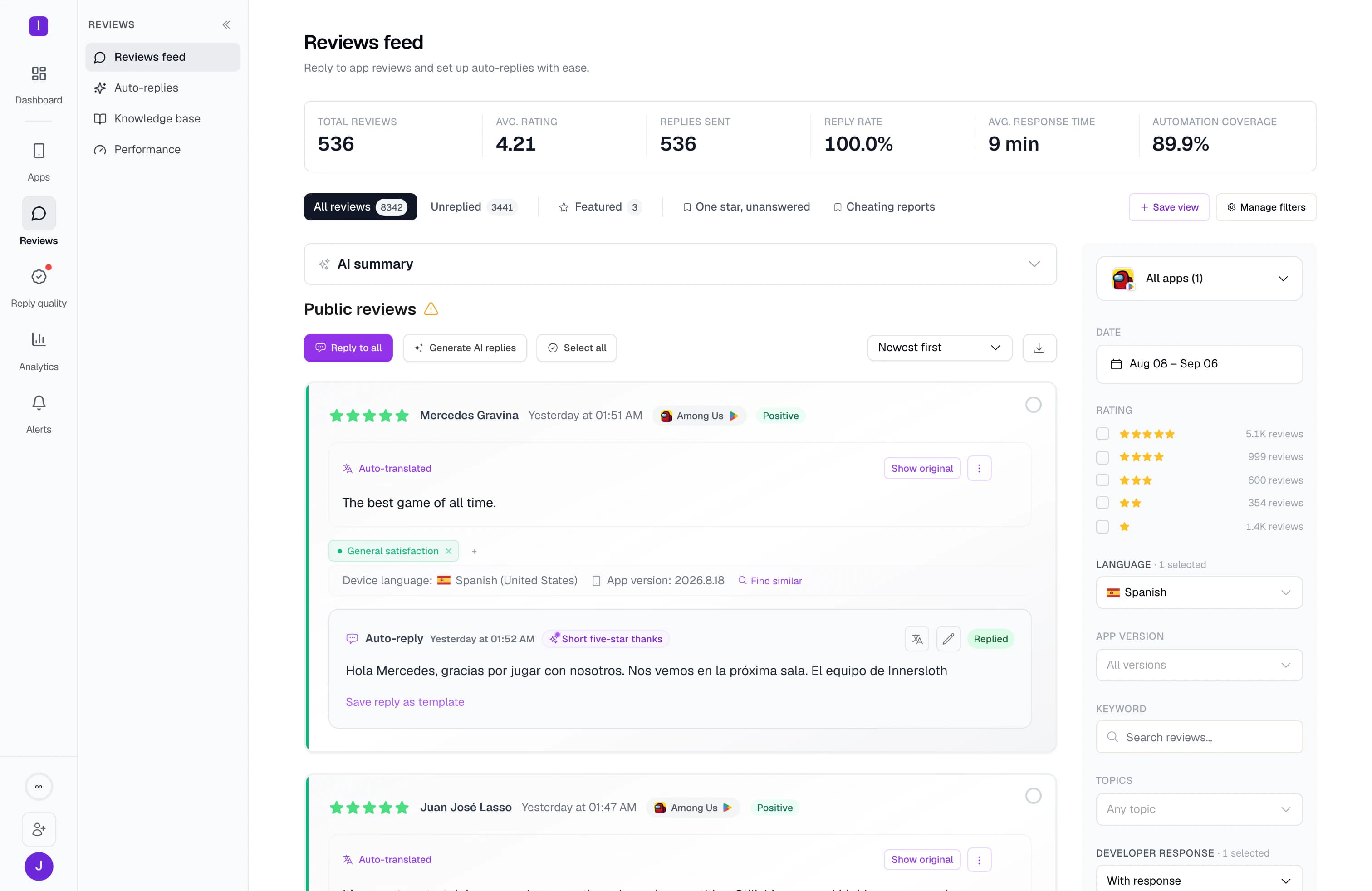
Keep busy channels calm with digests.
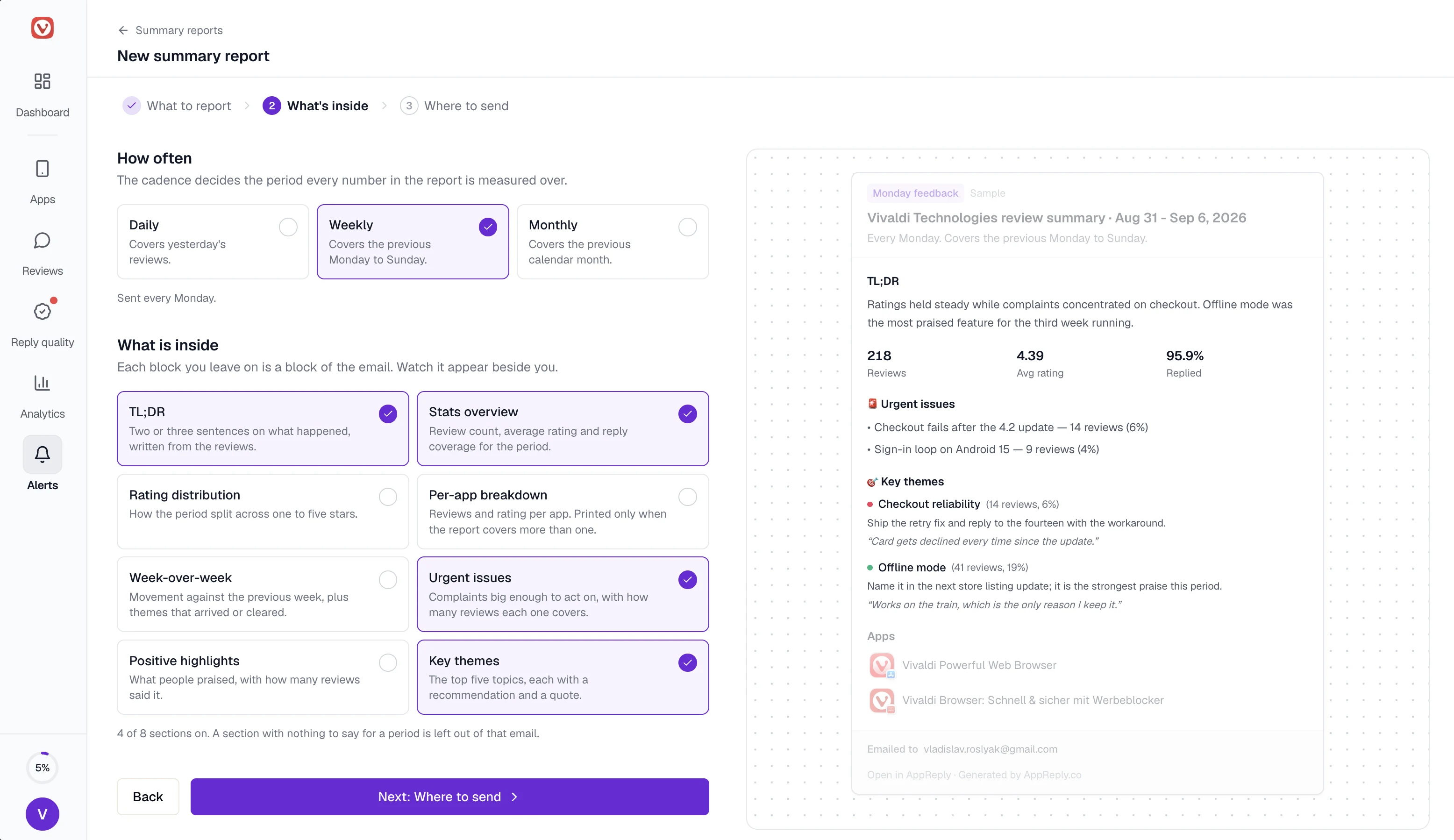
Launch days bring lots of reviews. Group them into one post an hour or a daily digest at 09:00 UTC, or post new matches together within about 15 minutes. A rule can watch for low stars, a language, a word like crash or long reviews, in one app or all of them. If review analytics is on, it can watch a topic like disconnects in App Store and Google Play apps. A weekly summary can add the top themes and urgent issues. It covers the apps connected to their store.
FAQ
Questions about Discord alerts
Is this a Discord bot for app reviews?
Not quite, and that is on purpose. New reviews still appear in your channel, as they would with a bot. But AppReply posts through a channel webhook, so there is no bot to add, and it cannot read messages or members.
Will App Store reviews show up in Discord?
Yes. Once the app is in AppReply, a rule can send its reviews to any Discord channel you connected. Until you connect the app to its store, they reach Discord within a day or two. To reply from AppReply too, connect an App Store Connect API key.
Can I get Google Play reviews in Discord?
Yes, in the same way. Public Google Play reviews can post there even before you connect a store account. Until then, they arrive within a day or two.
Can moderators reply to reviews in Discord?
No. Discord only shows the review. Open AppReply to write, approve and publish the reply.
Can each channel get different reviews?
Yes. The AppReply app connects one channel in each Discord server. For a second channel in the same server, paste that channel’s webhook URL with Add channel. Then give each channel its own rules, for example one-star reviews to support and bug reports to your dev channel.
What happens if I delete the webhook in Discord?
Deliveries start to fail, and AppReply turns the channel off after repeated failures. To start again, connect Discord from Channels and pick the channel once more.
Is Discord included in my plan?
Yes, every plan includes it. With review analytics on, the channel also gets a short heads-up when ratings shift or complaints spike, linked to AppReply.


Post new reviews to your Discord.
Pick a channel, run a test, and set the rules that decide what posts.
10-day Pro trial · No credit card