
App review webhooks.
Send app reviews to your own HTTPS endpoint. AppReply sends a JSON body for each alert, so your code can store it, count it or pass it on.
10-day Pro trial · No credit card
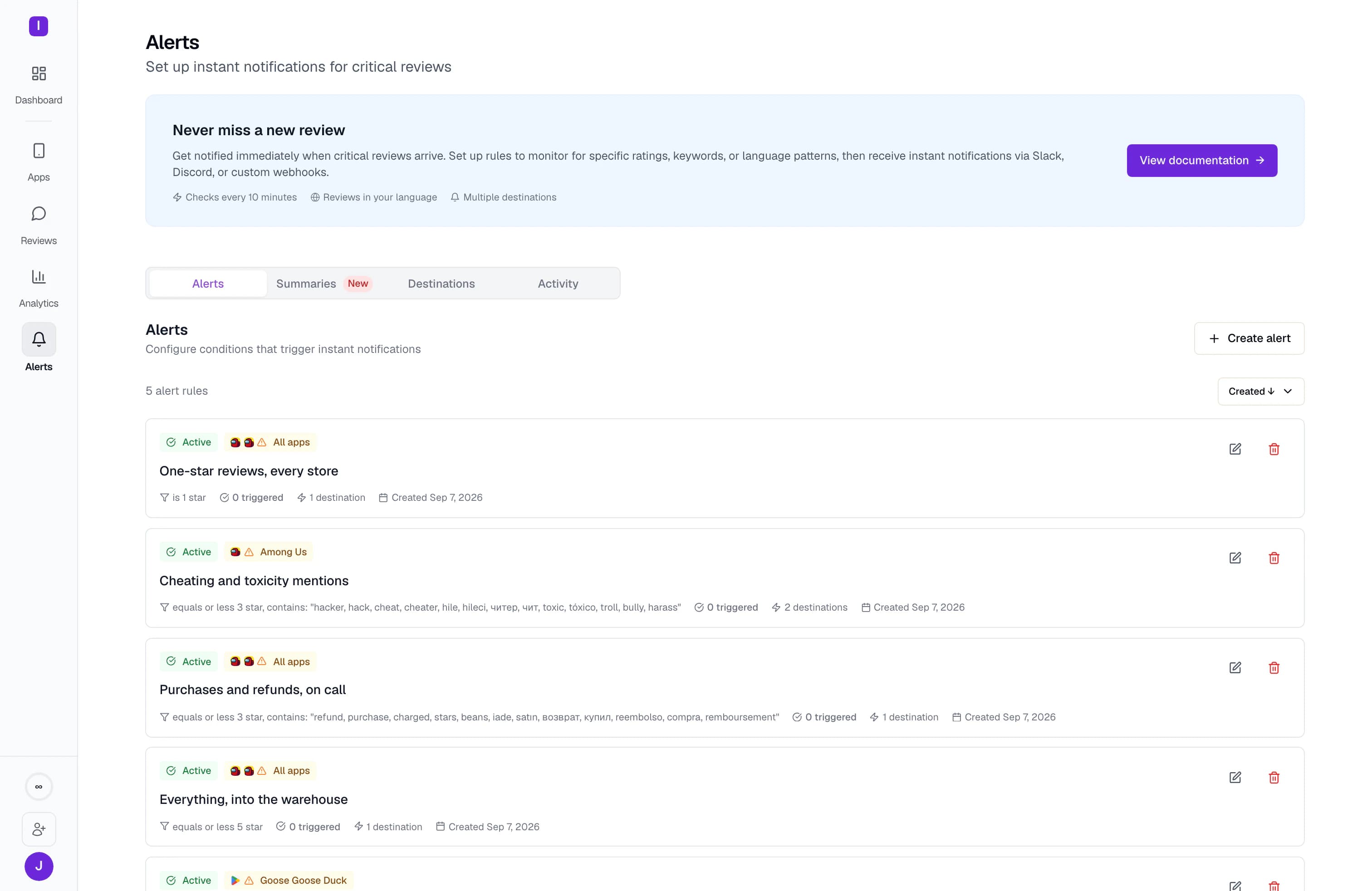
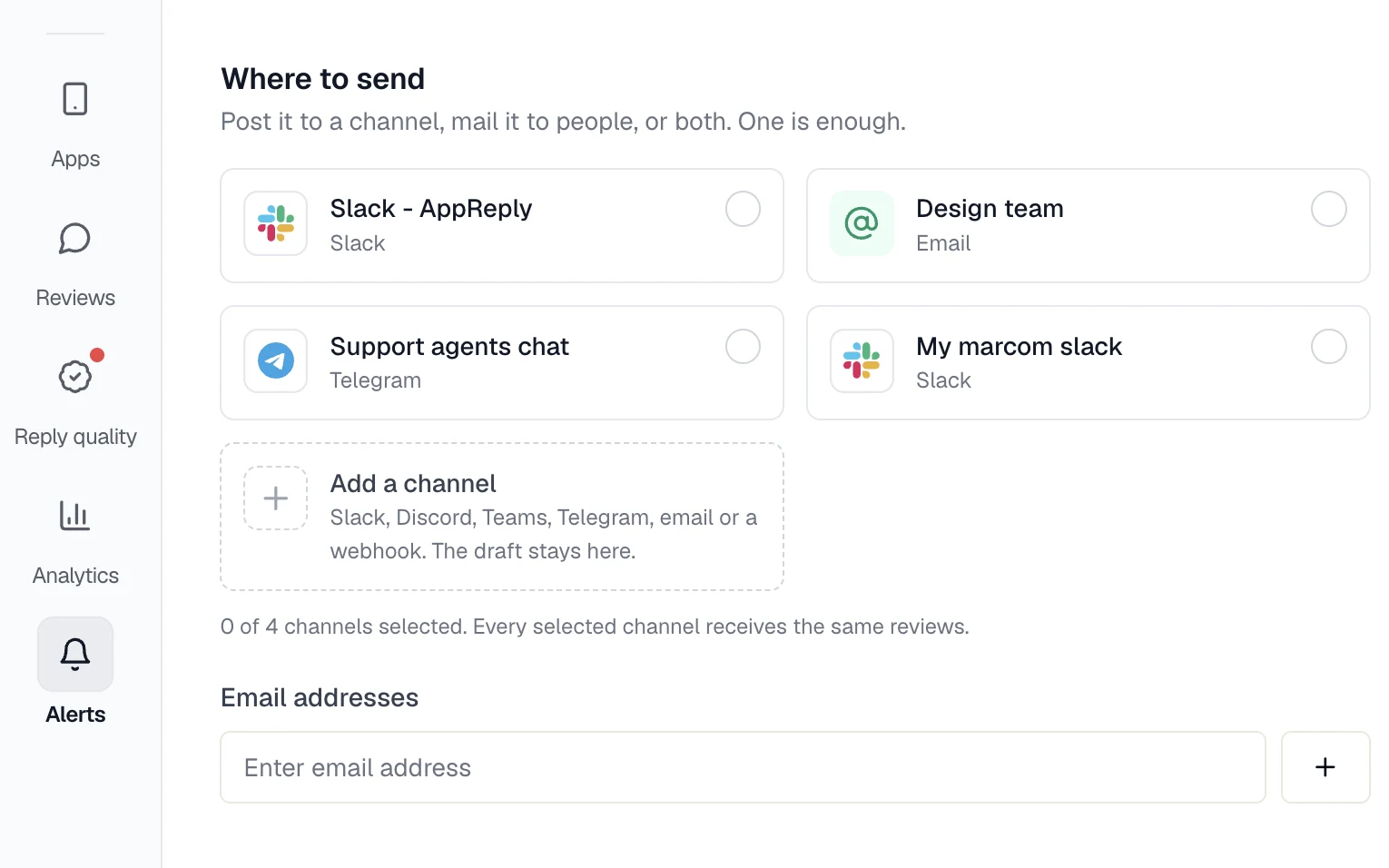
Add a webhook in four steps.
Have a public HTTPS endpoint ready that accepts JSON and answers with a 2xx status within 10 seconds. Redirects are not followed.
Permissions and data
An HTTPS URL is all AppReply needs. It is stored encrypted and gets a JSON body for each alert.
Open Channels
In AppReply, open Alerts and then Channels. Click Add channel.
Paste your URL
Pick Custom webhook and paste an HTTPS URL. A long path that is hard to guess is safest.
Test the webhook
Click Test beside the URL and check that the request reached your endpoint.
Route alerts to it
Pick the webhook as a destination in an alert rule or a summary report.
One JSON body for each alert.
Reviews from the Apple App Store and Google Play share one format. Each alert lists the matching reviews with the author, stars, text, language, country, store link and translation. The app version and device come along when the store provides them. The body also names the app, its store and the rule that matched, so you can route it without a lookup.
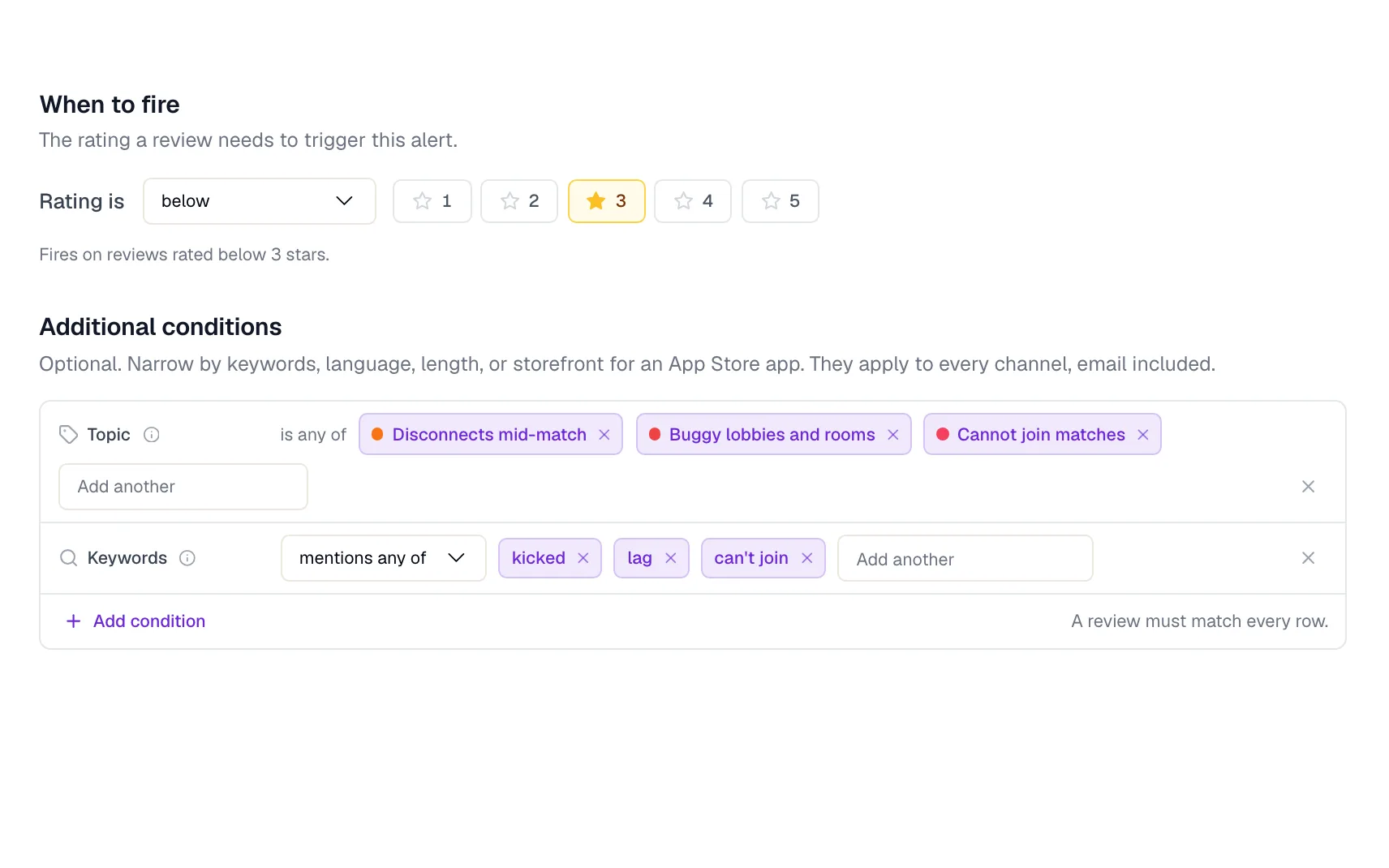
Decide which reviews your endpoint sees.
Alert rules decide which reviews count: by stars, language, keywords, review length or app. Topic conditions are for App Store and Google Play apps with review analytics. New matches arrive together within about 15 minutes, or grouped hourly or daily. Daily, weekly or monthly summaries of apps connected to their store can use the same URL. Rating-change and complaint-spike alerts, which also rely on review analytics, send their headline and a link to AppReply.
The JSON your endpoint receives.
A review alert, shortened. Every review alert arrives as a reviews list, even when it holds one review, with a dashboard_url that opens those reviews in AppReply. One body holds up to 50 reviews.
Rating-change and complaint-spike alerts send a takeaway with the headline and a dashboard_url. Complaint spikes also carry a tag that names the topic. Both need review analytics.
Store users write the review text and author names. Treat them as untrusted input and escape them before you show them.
{
  "event": "review_alert_grouped",
  "timestamp": "2026-09-16T09:15:02.000Z",
  "rule": {
    "id": "5d0c2f4e-8a61-4b7c-9e2d-3f1a6b8c0d47",
    "name": "One-star reviews"
  },
  "application": {
    "id": "b2e7a9c1-3d4f-4e8a-a6b5-7c9d0e1f2a38",
    "name": "Tiny Farm",
    "platform": "google_play"
  },
  "reviews": [
    {
      "id": "gp:AOqpTOH7xq2Lr9",
      "author_name": "Lucía M.",
      "rating": 1,
      "text": "Se cierra al pagar.",
      "language": "es",
      "country": "ES",
      "created_at": "2026-09-16T09:02:41.000Z",
      "app_version": "4.2.0",
      "device": "Pixel 8 (Android 14)",
      "platform_url": "https://play.google.com/store/apps/details?id=com.example.tinyfarm#reviews",
      "translated_text": "It closes at checkout.",
      "translation_language": "en"
    }
  ],
  "organization": {
    "id": "9a3b6c2d-1e4f-4a5b-8c7d-0e2f3a4b5c61",
    "name": "Example Games"
  },
  "dashboard_url": "https://appreply.co/dashboard/9a3b6c2d-1e4f-4a5b-8c7d-0e2f3a4b5c61/reviews?appIds=b2e7a9c1-3d4f-4e8a-a6b5-7c9d0e1f2a38"
}
FAQ
Questions about webhooks
Is there an App Store review webhook?
Yes. Add your Apple App Store app, then point an alert rule at your webhook. Each matching review arrives as JSON.
Is there a Google Play review webhook?
Yes. Google Play reviews use the same JSON body. The app version and device are included when Google Play provides them.
Are webhook deliveries signed?
No. Signed deliveries are not available, so there is no signature header to check. Use a long, hard-to-guess URL over HTTPS, and keep it as private as a password.
What does a webhook receive?
Review alerts, as a list of the matching reviews, and scheduled summaries. Rating changes and complaint spikes arrive too, with a short takeaway, when review analytics covers the app.
Can I send app reviews to any URL?
Yes, if it is a public HTTPS address. Point it at a data warehouse, a script or your own service. Private and local network addresses are refused.
Can a webhook send a reply back to the store?
No. Webhooks only send data out. Replies are written and published in AppReply.
Do webhooks cost extra?
No. Any AppReply plan can send alerts to a webhook.


Pipe app reviews into your own stack.
Add a URL, send a test, and let your rules decide what flows through.
10-day Pro trial · No credit card