
App Store reviews in Slack.
AppReply Alerts posts the Apple App Store and Google Play reviews your alert rules pick to the Slack channel you choose. Each message links to AppReply, where your team replies.
10-day Pro trial · No credit card
Add AppReply Alerts to Slack.
Connect a channel from AppReply, then send a test before real reviews arrive.
Permissions and data
AppReply asks only for the incoming-webhook permission. It posts to the channel you pick and cannot read your messages.
Start in AppReply
Open Alerts, then Channels. Under Connect a chat app, click Connect next to Slack.
Choose a channel in Slack
Slack opens its own channel picker. Choose where reviews should land, then approve. AppReply asks only for the incoming-webhook permission.
Send a test message
Run the test send on your new channel and check that the message shows up.
Create an alert rule
Pick the apps and the stars, words or languages to watch. Then add the Slack channel as a destination.
Know what a review says before you click.
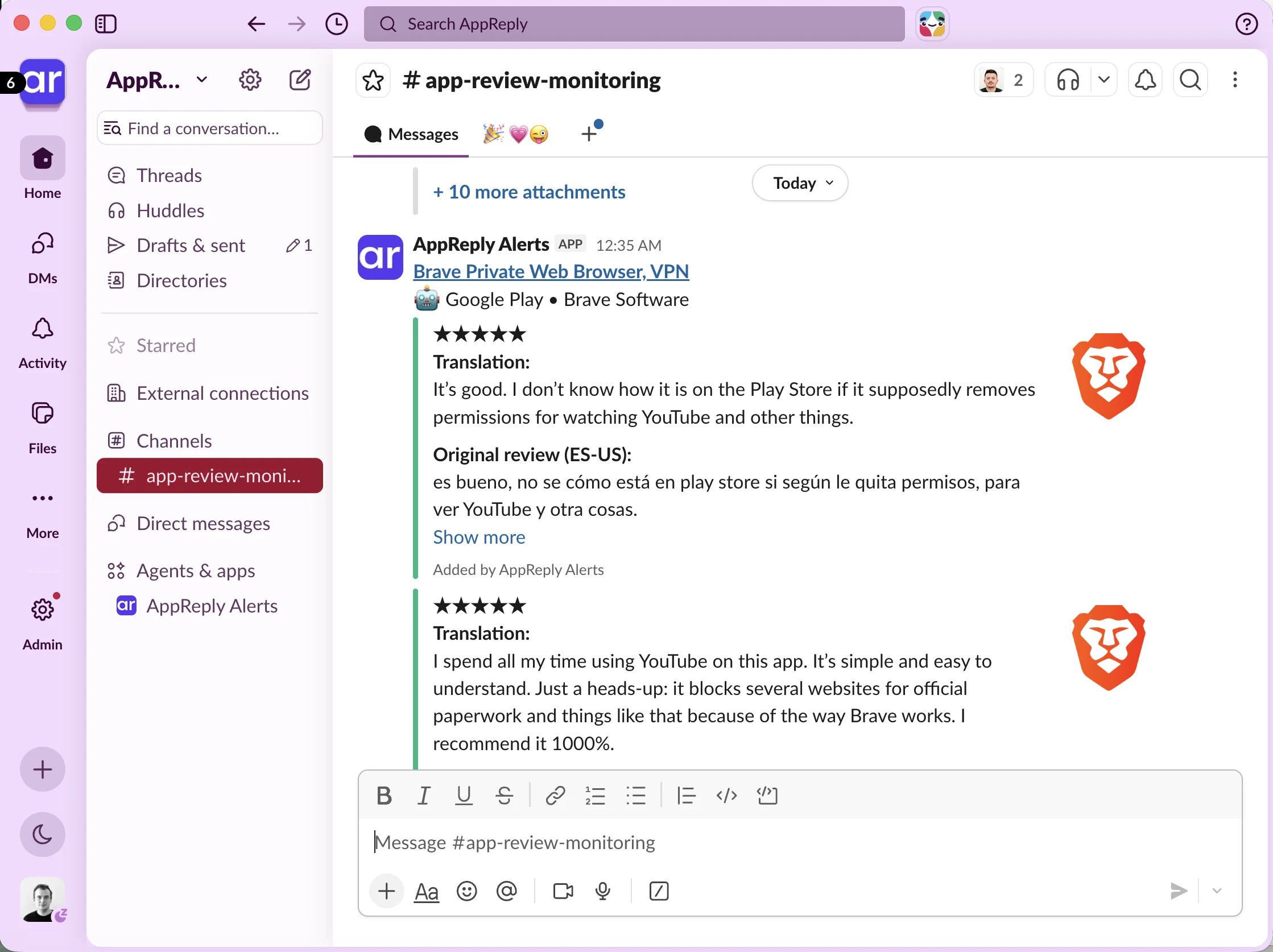
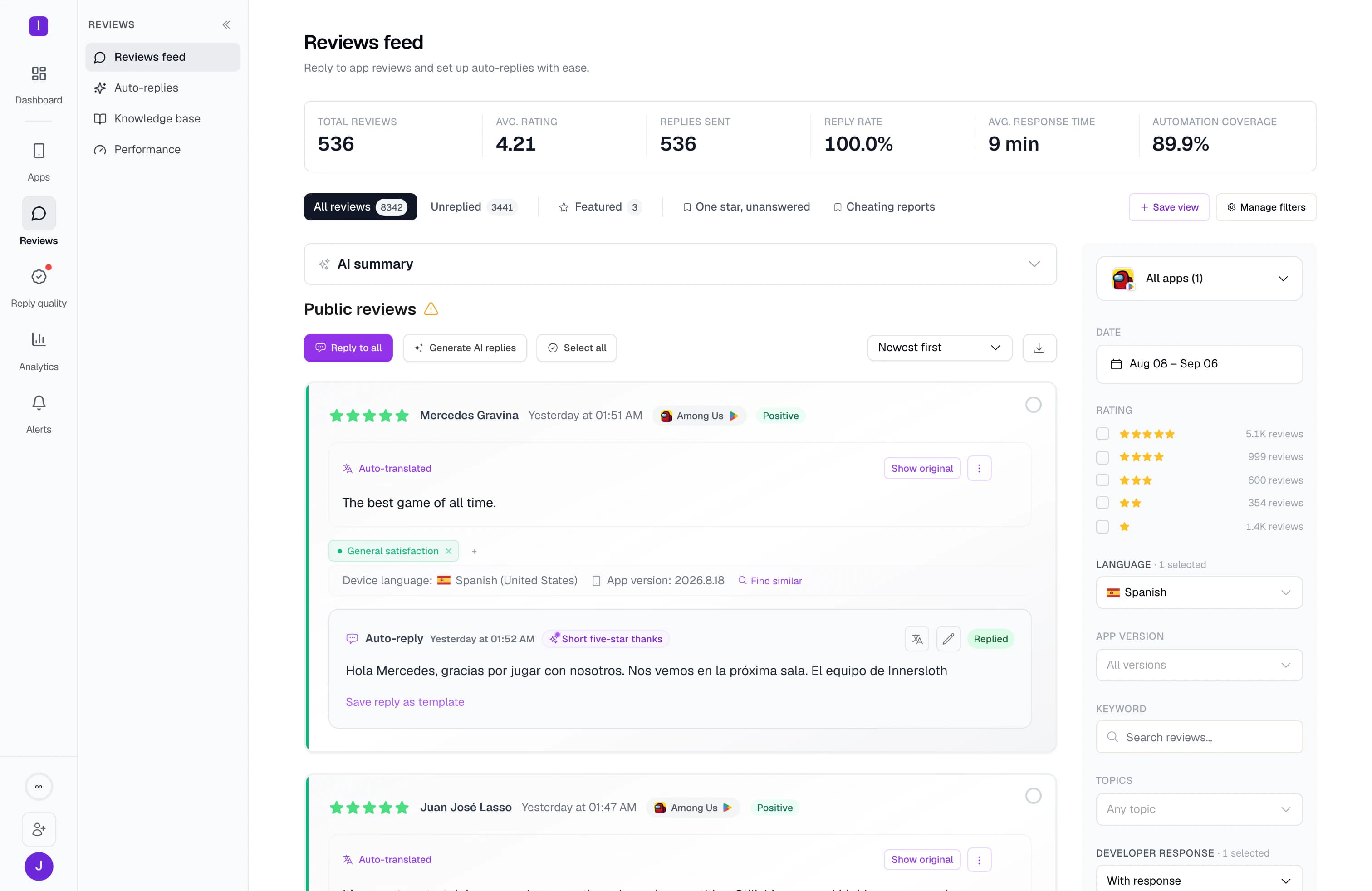
Each message names the app and its store, then shows the stars and the review. Turn on translations in a rule, and a Spanish review arrives with its translation next to the original. The Reply link opens AppReply, where your team writes and sends the answer.
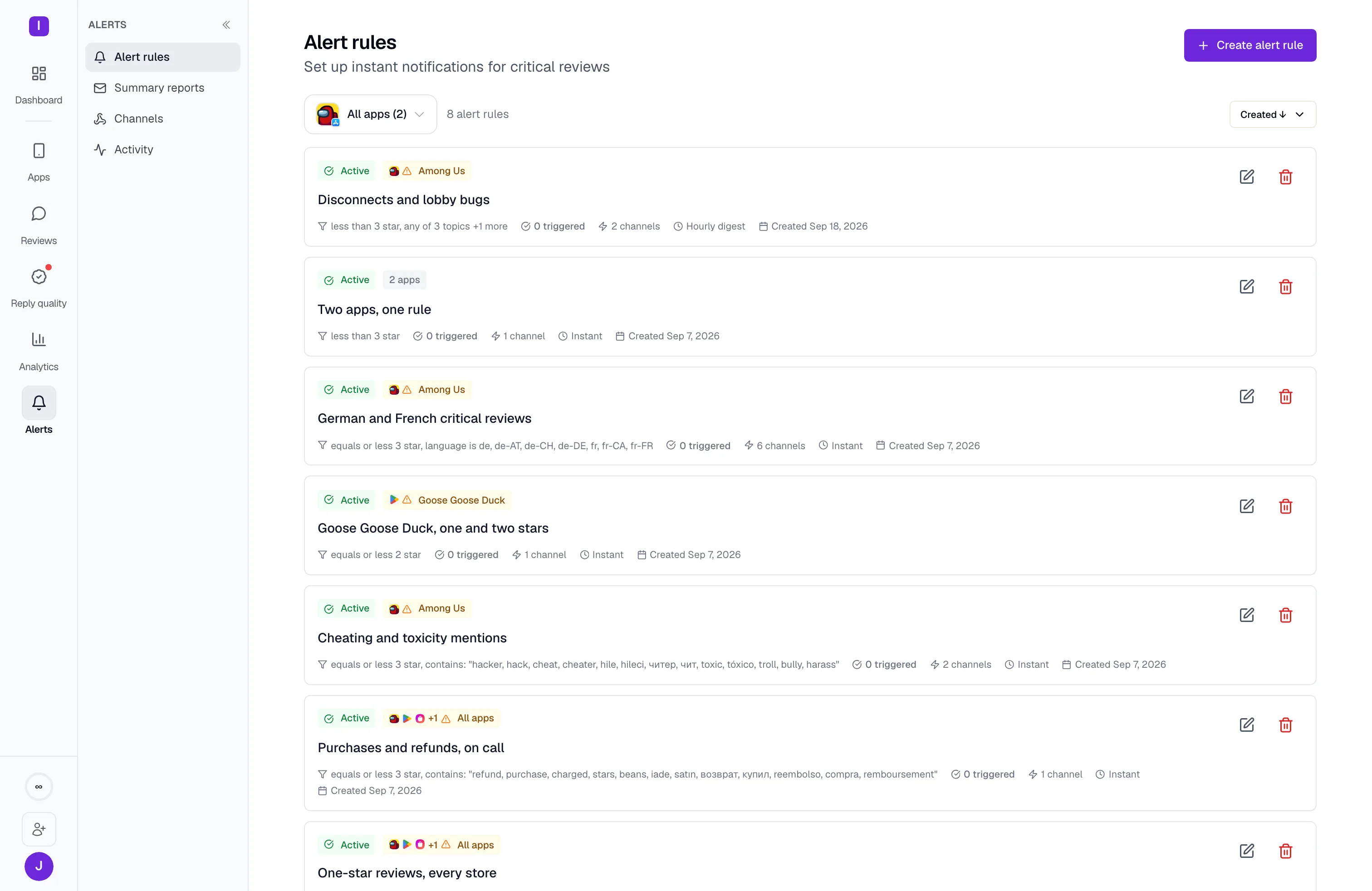
Choose which reviews reach each channel.
An alert rule decides what gets posted. Match on stars, language, keywords, review length or app, and point one rule at several channels. Topic conditions, such as refunds, need review analytics and work for App Store and Google Play apps. New matches arrive together in one message within about 15 minutes, or grouped hourly or into a daily digest at 09:00 UTC. For news that can wait, schedule a daily, weekly or monthly summary. Summaries cover apps connected to their store.
FAQ
Questions about Slack alerts
Can I get App Store Connect reviews in Slack?
Yes. Add your Apple App Store app by name or store link, or connect it with an App Store Connect API key. Matching reviews then post to Slack. Without an API key, alerts arrive within a day or two. AppReply sends customer reviews, not build or release notices.
Can I send Google Play reviews to a Slack channel?
Yes. Add the app by search or store link, connect Slack, and point an alert rule at the channel. Without a store connection, alerts arrive within a day or two. Connected Samsung Galaxy Store and Huawei AppGallery apps can post there too, for reviews AppReply has loaded. RuStore reviews are not available in alerts.
Can I reply to a review from Slack?
No. The app only posts messages. Its Reply link opens AppReply, where you write, approve and publish the reply.
Can alerts go to more than one Slack channel?
Yes. The AppReply app connects one channel in each Slack workspace. For more channels in the same workspace, add each one’s incoming webhook URL with Add channel. One rule can post to several channels at once.
Does the Slack integration cost extra?
No. Slack works on every AppReply plan. Rating-change and complaint-spike alerts need review analytics, which covers App Store and Google Play apps, and Slack gets them in full.
What happens if I remove the app from Slack?
AppReply turns that channel off by itself, so nothing more is sent. To reconnect, add Slack again from Alerts.


Bring your app reviews into Slack.
Connect a channel, send a test, and let your rules watch the stores for you.
10-day Pro trial · No credit card