
Your rating dropped. Know what to investigate.
After a release, you need to know whether users found a problem. AppReply checks rating changes and review spikes, then sends an alert with its assessment and the reviews behind it.
Smart monitoring included on Pro
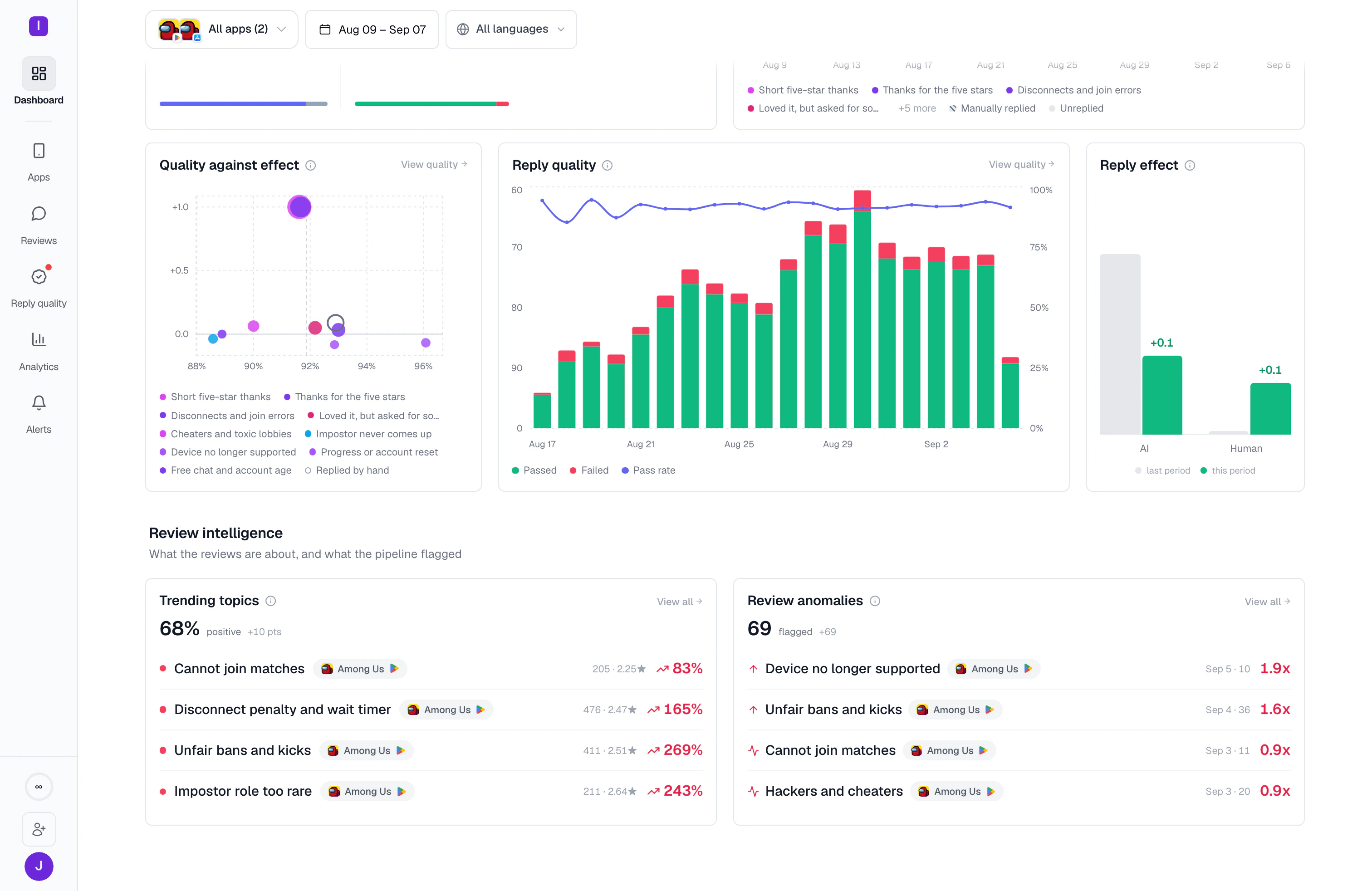
Through launch and live-event peaks, AppReply keeps reading 1,000+ reviews a day







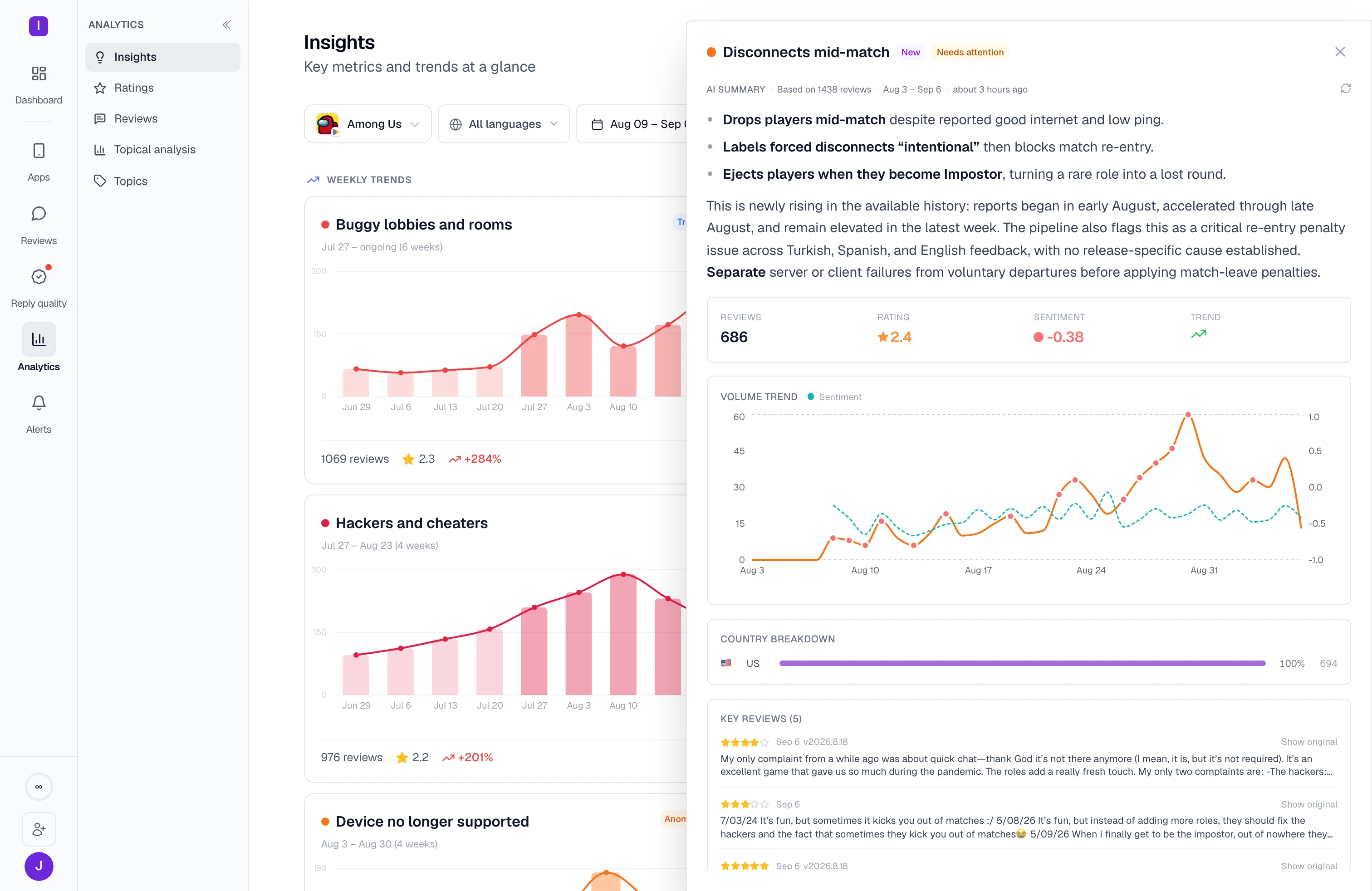
Check what caused the change before acting.
A rating drop may reflect a new complaint, a coordinated review campaign, older reviews added by the store, or users editing their ratings. AppReply labels the change so your team has a starting point. Open the original reviews to check what happened and decide what needs action.
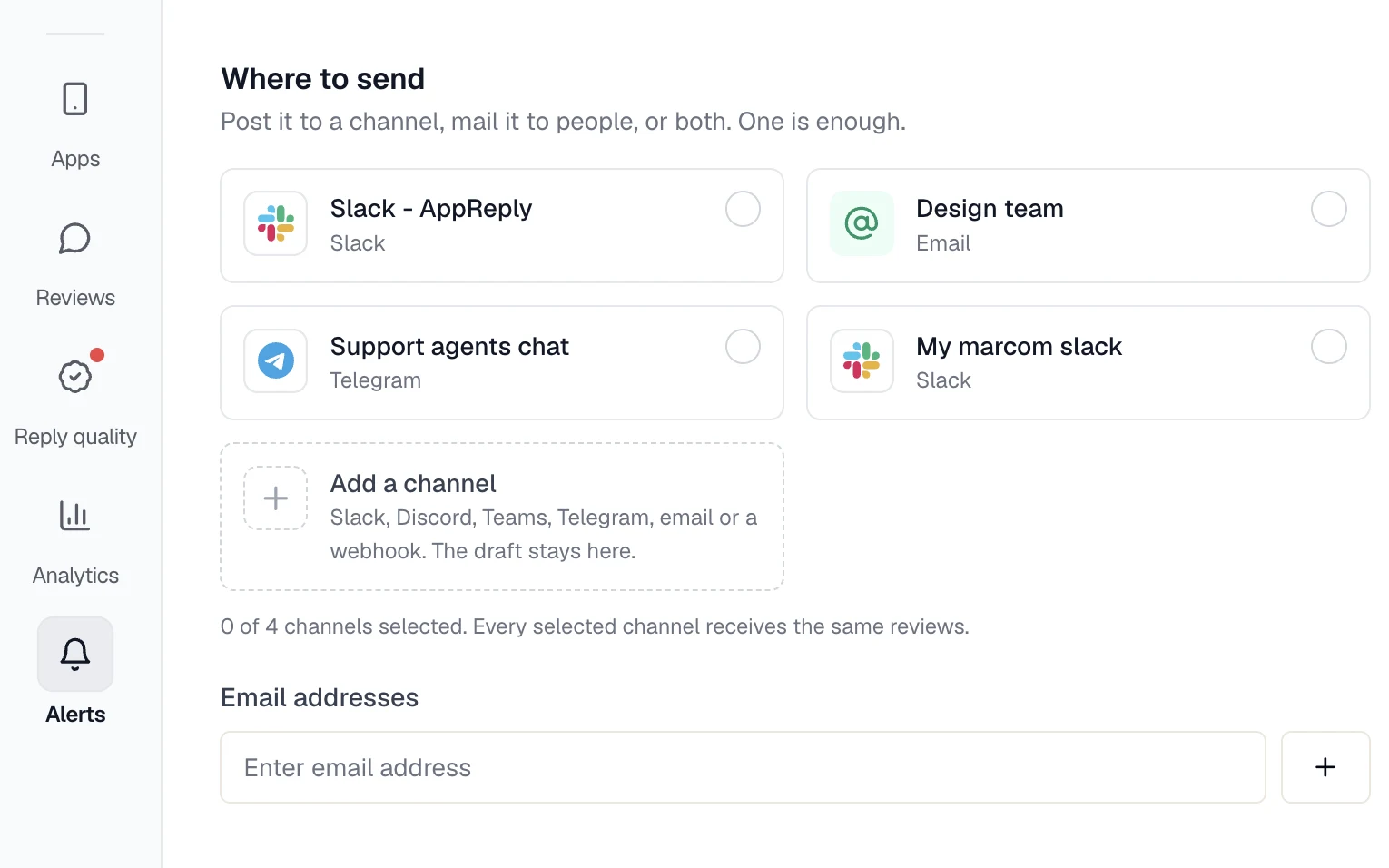
Put the alert where the right team will see it.
Send alerts to Slack, Teams, Discord, Telegram, or a webhook. Choose the destination by app, country, language, severity, or type of change. The team can open the linked reviews from its alert instead of searching store consoles to reconstruct the problem.
Send a summary for everything that is not urgent.
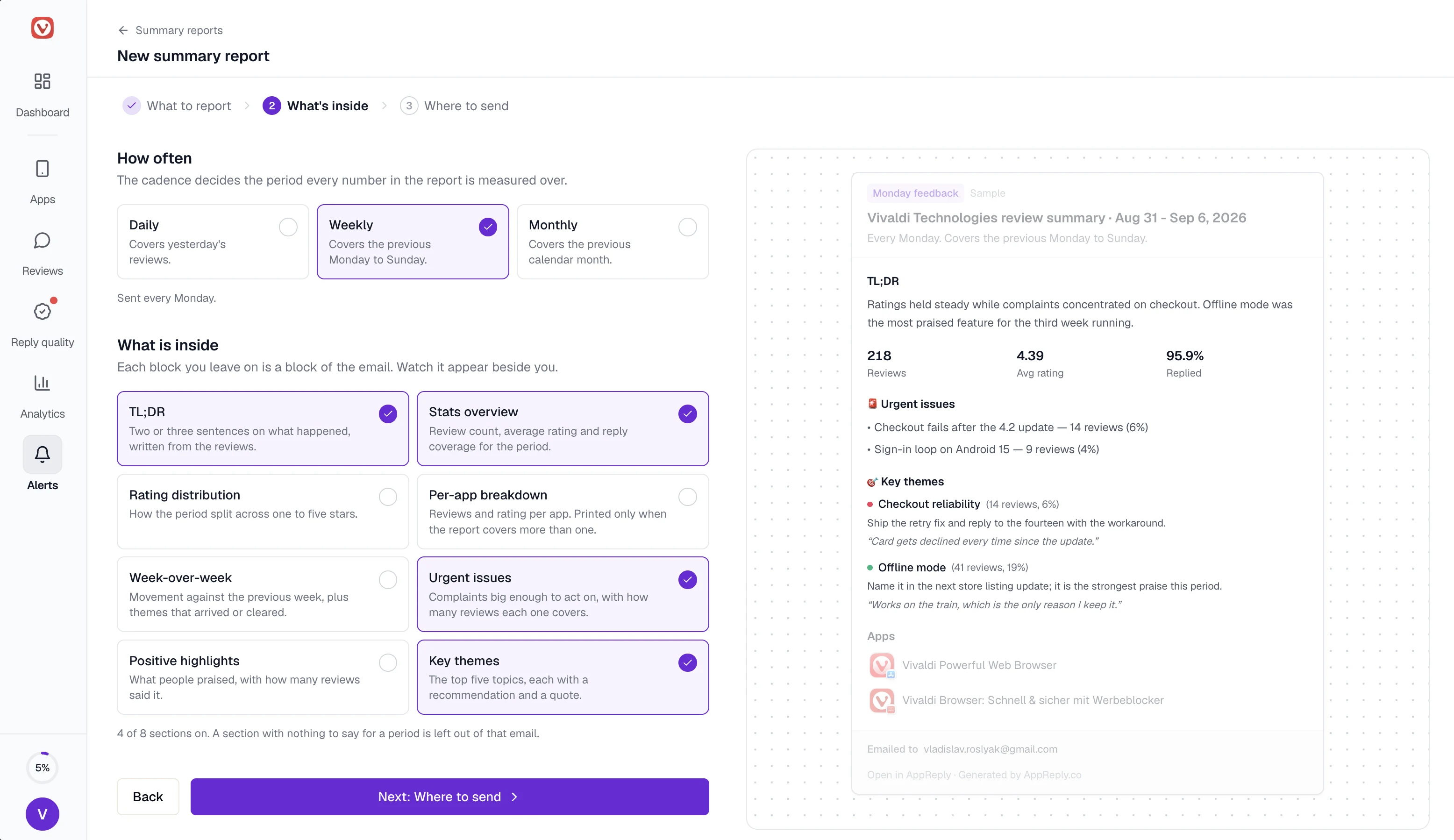
An alert interrupts your team. A scheduled summary does not. Choose daily, weekly, or monthly, then pick what the email carries: the two-line TL;DR, the period stats, urgent issues with the number of reviews behind each one, and the top themes with a recommendation and a quote. A section with nothing to say that period is left out.
FAQ
Questions about smart alerts
How do review alerts fit into app reputation management?
They are the early-warning half of it. Damage to a listing usually starts as a change nobody saw: one-star reviews spiking after a release, a coordinated wave, or one market sliding while the global average holds. AppReply labels the change, routes it to the team that owns the app, and keeps the reviews attached.
What can cause a rating alert?
AppReply checks for product-related review spikes, coordinated review bombing, a burst of one-star reviews, older reviews added by the store, and changes to existing ratings. It labels the change and keeps the reviews available so your team can check its assessment.
Can I get an alert for every negative review?
Yes. Alongside rating-change alerts, alert rules watch new reviews. Match on stars, keywords, language, review length, or topics such as crashes, refunds or login problems, and on country for App Store apps. Get each match within about 15 minutes, or group them into an hourly or daily digest, in Slack, Teams, Discord, Telegram, email, or a webhook.
Where can alerts be delivered?
Send alerts to Slack, Discord, Microsoft Teams, Telegram, or a webhook. Each alert includes the type of change, its severity, the language, and links to the reviews behind it.
Can each team receive different events?
Yes. Choose which changes each team receives by type, severity, language, country, or app, then set the destination. For example, send changes for one app to the team responsible for it.
What is the difference between an alert and a summary?
An alert fires when something changes and is meant to interrupt. A summary is scheduled daily, weekly, or monthly and collects the period into one email or channel post: a short TL;DR, the review and rating stats, urgent issues with their reviews, and the themes that came up. Choose the sections; one with nothing to report is left out.
Set up alerts before your next release.
Connect an app and choose which changes should reach your team.
10-day Pro trial · No credit card