
A Telegram bot for app reviews.
New Apple App Store and Google Play reviews can reach you in Telegram, wherever you are. Open a one-time link, and the AppReply bot connects the chat.
Trusted by teams behind apps with 1.7B+ combined downloads








Connect Telegram with one link.
There is no password or token to paste.
Add Telegram in AppReply
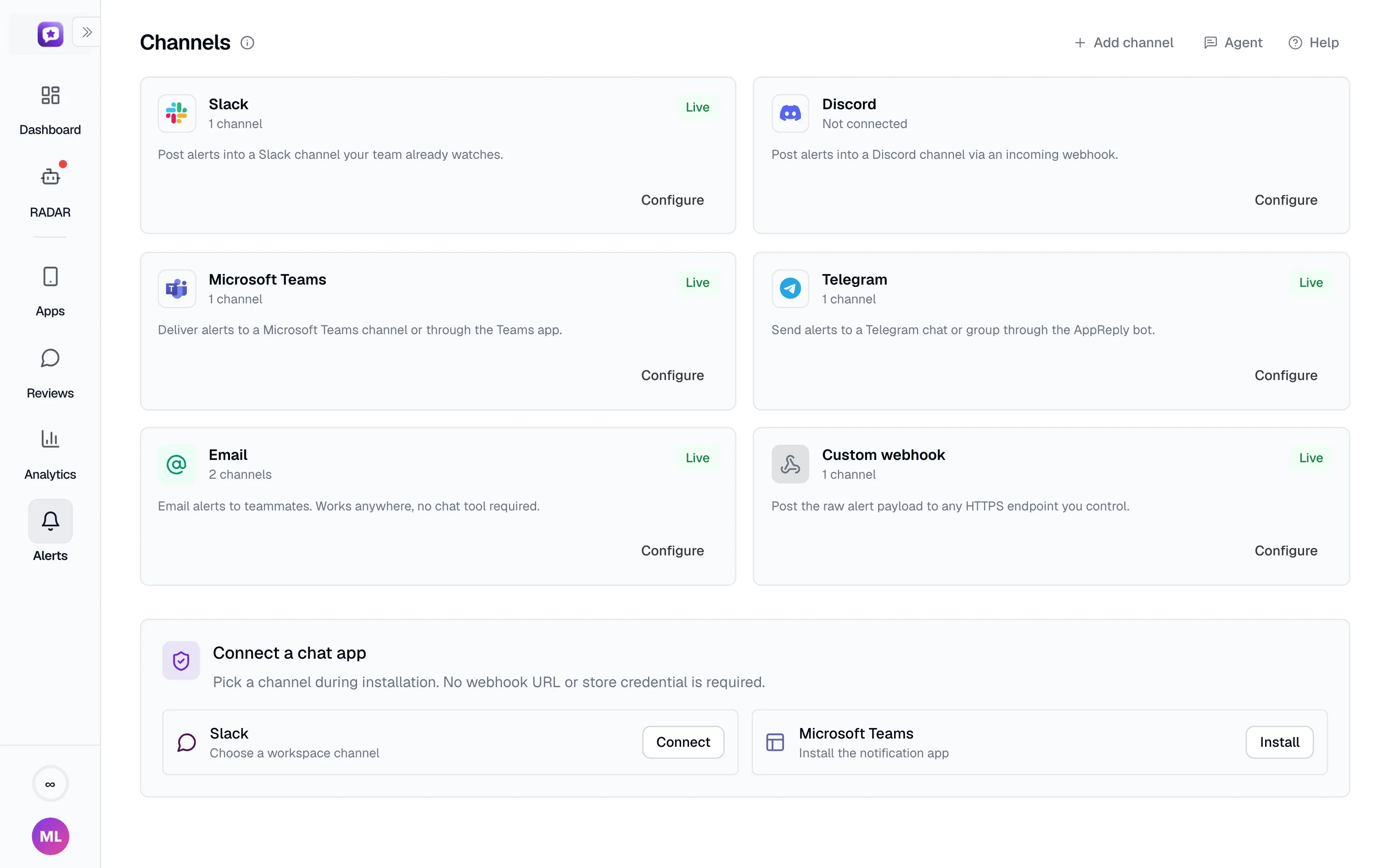
Head to Alerts, then Channels. Click Add channel and pick Telegram.
Open a one-time link
AppReply shows two links. One opens a direct chat with the AppReply bot, the other adds the bot to a group. Open the one you want in Telegram.
Let the bot connect
The bot connects that chat, and AppReply shows it as a new channel.
Choose what it gets
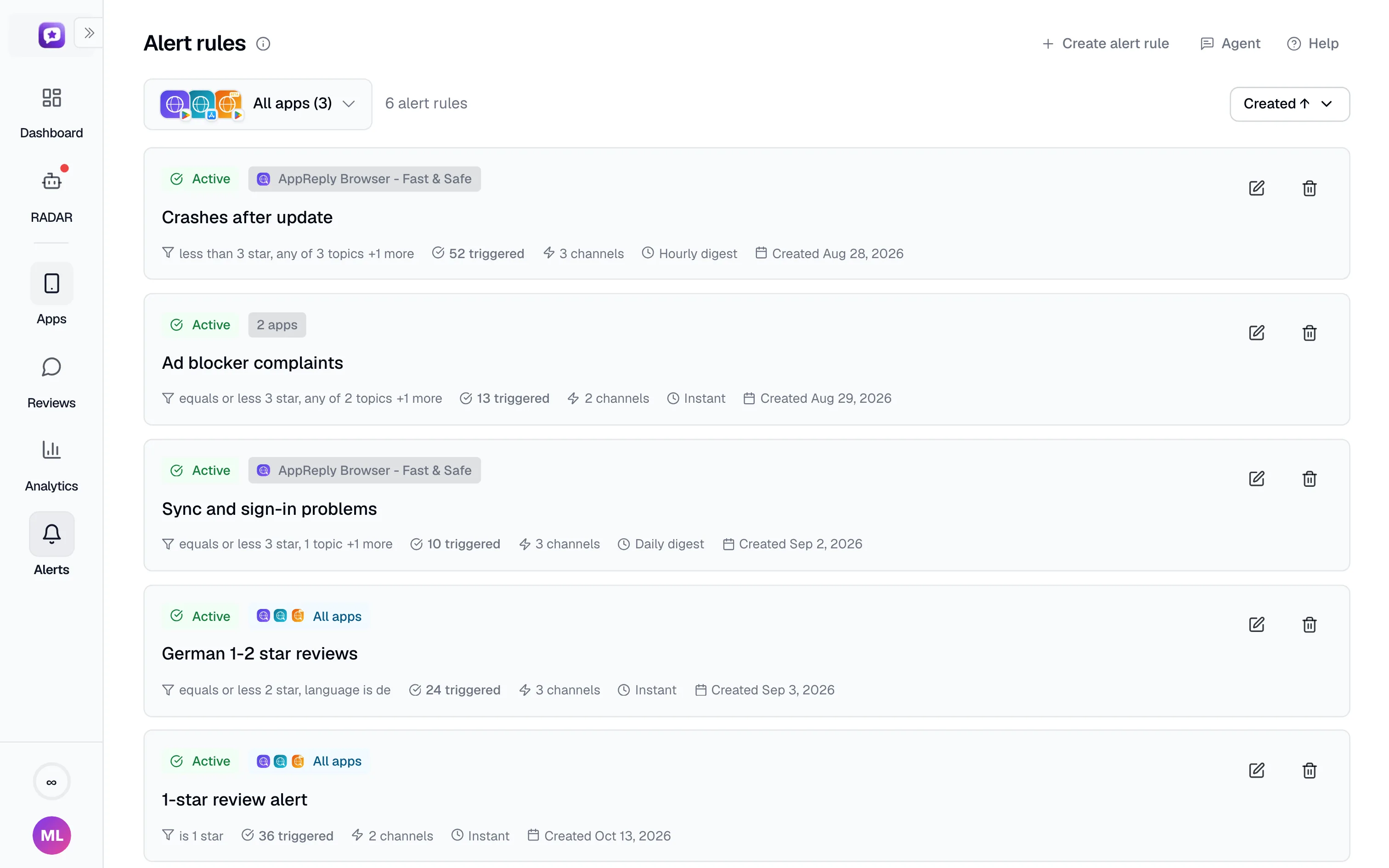
Run the test send, then choose the chat when you build a rule or a summary.
Permissions and data
AppReply keeps only the ID of the chat the bot joined, stored encrypted. Remove the bot from the chat to stop alerts.
Check new reviews from your phone.
Each alert is a formatted Telegram message with the stars, the store and the review. A rule can send the review already translated. Tap a link to open AppReply, where you can draft the reply in the reviewer’s language and send it.
Get pinged for one-star reviews, a keyword or a language.
Set a rule for one-star reviews, a word like refund, or one language, across one app or all of them. Matches arrive within about 15 minutes, or bundled hourly or daily.
Questions about Telegram alerts
Can Google Play reviews go to a Telegram chat?
Yes. Search for the app in AppReply, or paste its store link. Then link a Telegram chat and pick it in an alert rule. Reviews that match start to arrive there, within a day or two if the app has no store connection.
Can the Telegram bot post App Store reviews?
Yes. The AppReply bot posts App Store reviews too. Add your app by name or store link, then pick the Telegram chat in a rule. If the app is not connected to its store, alerts reach the chat within a day or two.
Which Telegram chat gets the alerts?
The one you pick. One link connects your direct chat with the bot, the other adds the bot to a group. To use another chat, add Telegram again.
Do I need a bot token or API key?
No. You just open a link AppReply creates. Nothing needs to be copied or pasted.
Can I answer a review from the Telegram chat?
No. Each message links back to AppReply, where the reply is written, approved and sent.
Is there an extra charge for Telegram?
No. Any AppReply plan can connect Telegram. For apps covered by review analytics, the bot also sends the headline of a rating change or complaint spike.


Get app reviews in a Telegram chat.
Connect a chat with one link, then choose what reaches it.