
Your app reviews, in any AI agent.
AppReply runs a remote MCP server at https://appreply.co/mcp. Add it to Claude, ChatGPT, Cursor or any agent that supports remote MCP servers, sign in, and ask about your reviews, review insights, your knowledge base and public App Store and Google Play data.
Standard, Pro and Enterprise · 10-day Pro trial · No credit card
Trusted by teams behind apps with 1.7B+ combined downloads








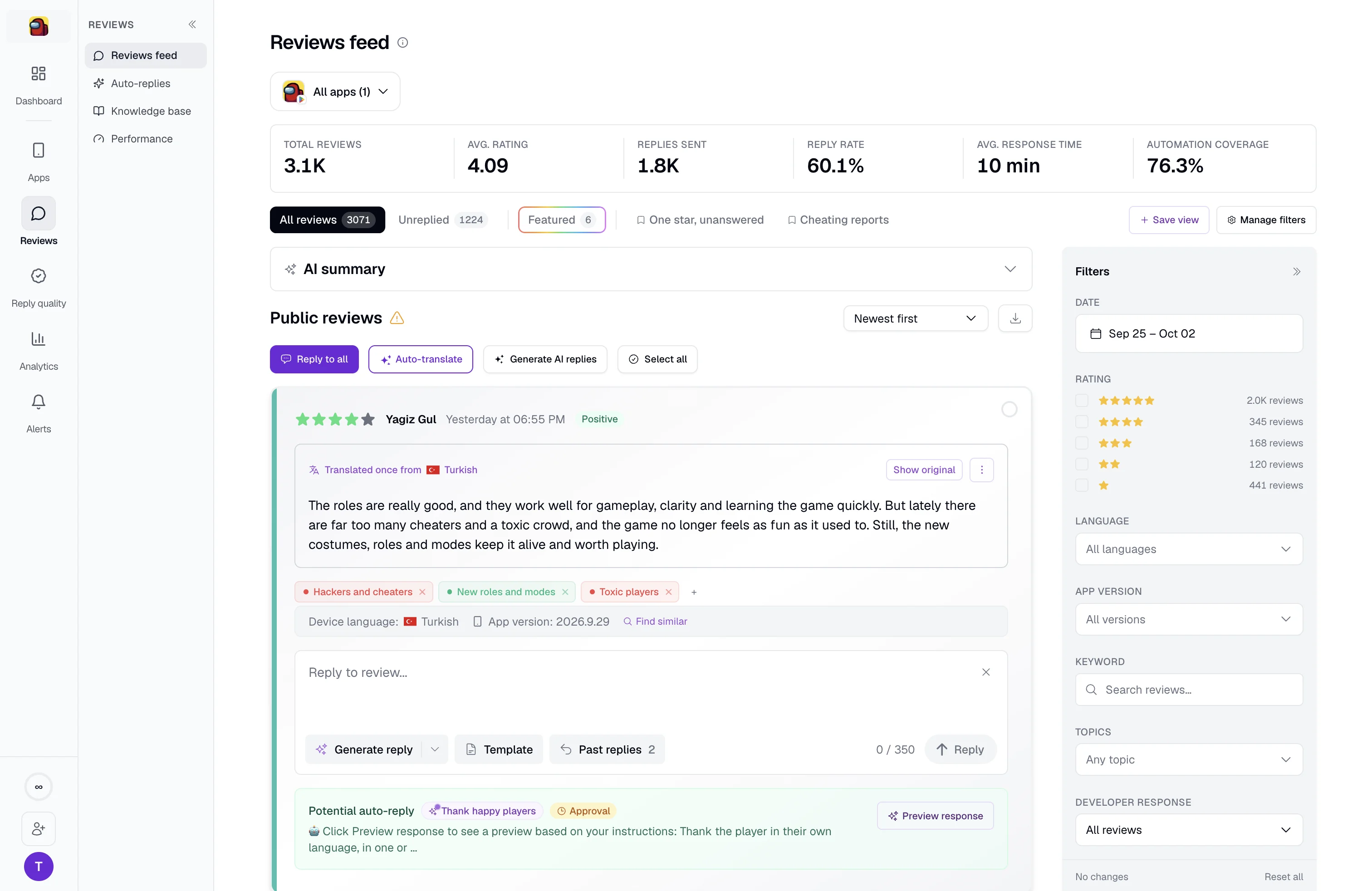
Ask what AppReply has collected for your apps.
The agent works with the organization you choose when you connect. It can list your apps, search their reviews by text, app, star rating and date, and pull the reviews that still have no reply, newest first. It reads recent review insights, finds the closest passages in your knowledge base for a question, and shows the release history stored for an app, so an answer can tie a complaint to a version.
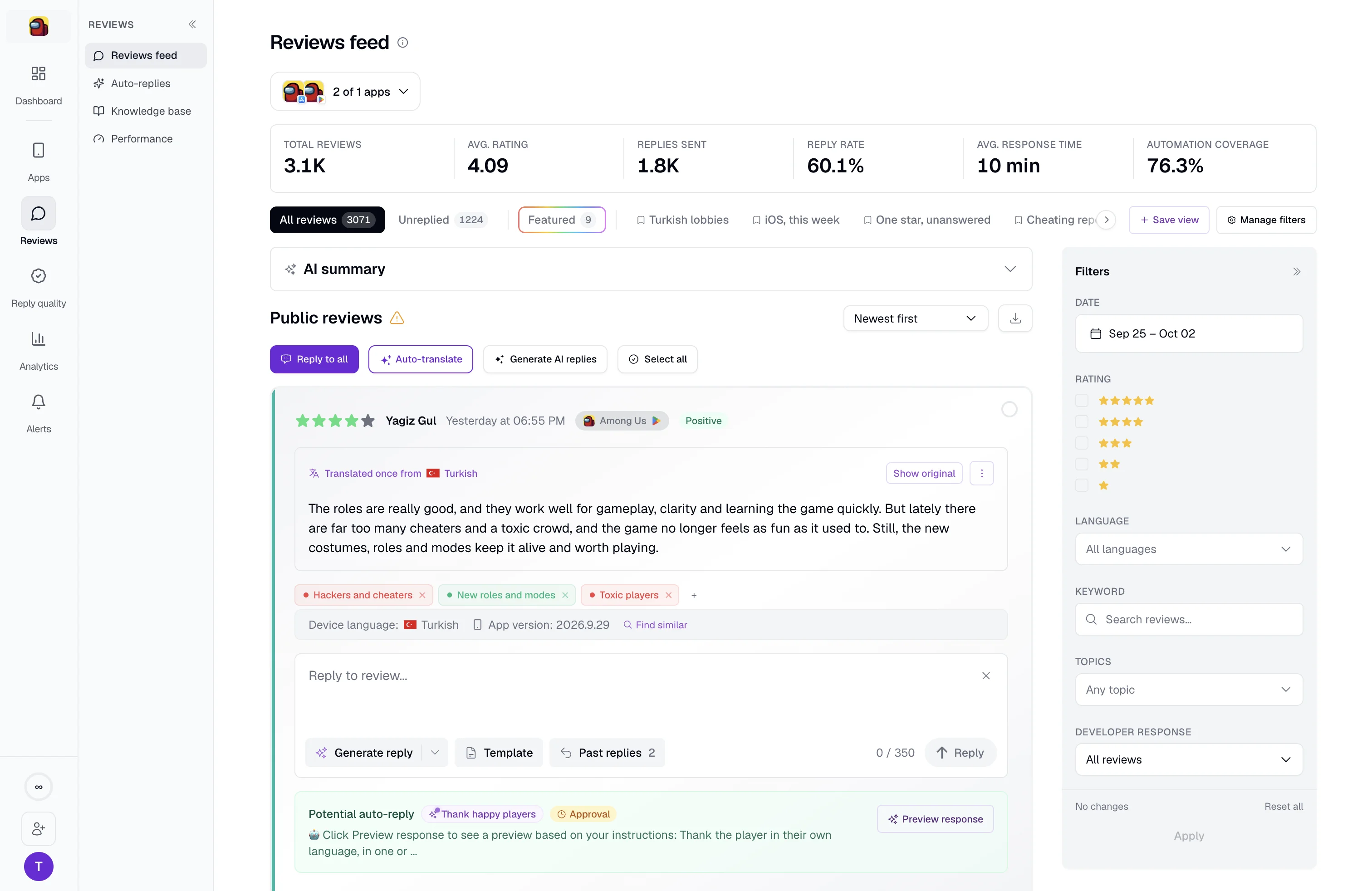
Research any app on the App Store or Google Play.
A second set of tools covers public store data for any app, not just yours. Search apps by name, open a store listing, fetch up to 200 public reviews and sum up their sentiment, keywords and common themes. Find similar apps, a developer’s other apps, the listed price and how an app makes money, and the top apps, estimated difficulty and search suggestions for a keyword. Store research covers the App Store and Google Play.
Add AppReply to your AI agent in four steps.
You need an AppReply organization on a paid plan or in its trial. The steps happen in your AI agent and on appreply.co. The guide walks through Claude.
Permissions and data
Sign-in is OAuth. The agent gets access to one organization, the one you pick when you connect, and every request checks that you still belong to it.
Add a remote MCP server
In your AI agent, add a custom connector or remote MCP server. In Claude it is Customize, then Connectors, then Add custom connector.
Enter the server URL
Name it AppReply and enter https://appreply.co/mcp. Choose OAuth sign-in and leave the client ID and secret empty: the agent registers itself.
Sign in to AppReply
Connect, and a window opens on appreply.co. Sign in if you are not signed in already.
Choose an organization
The consent screen names the app asking for access and where you will be sent back. Pick the organization the agent should work with, then click Allow access.


FAQ
Questions about the AppReply MCP server
What is the AppReply MCP server?
A remote MCP server at https://appreply.co/mcp. Add it to an AI agent such as Claude, ChatGPT or Cursor, and the agent can look things up in AppReply and in the public App Store and Google Play while you work.
Which AI agents can use it?
Any agent or app that can add a remote MCP server with OAuth sign-in and registers itself. Claude is the one the setup guide walks through. The consent screen names Claude and ChatGPT. Any other app is marked as one AppReply has not verified, with the address your sign-in goes to.
What can I ask once it is connected?
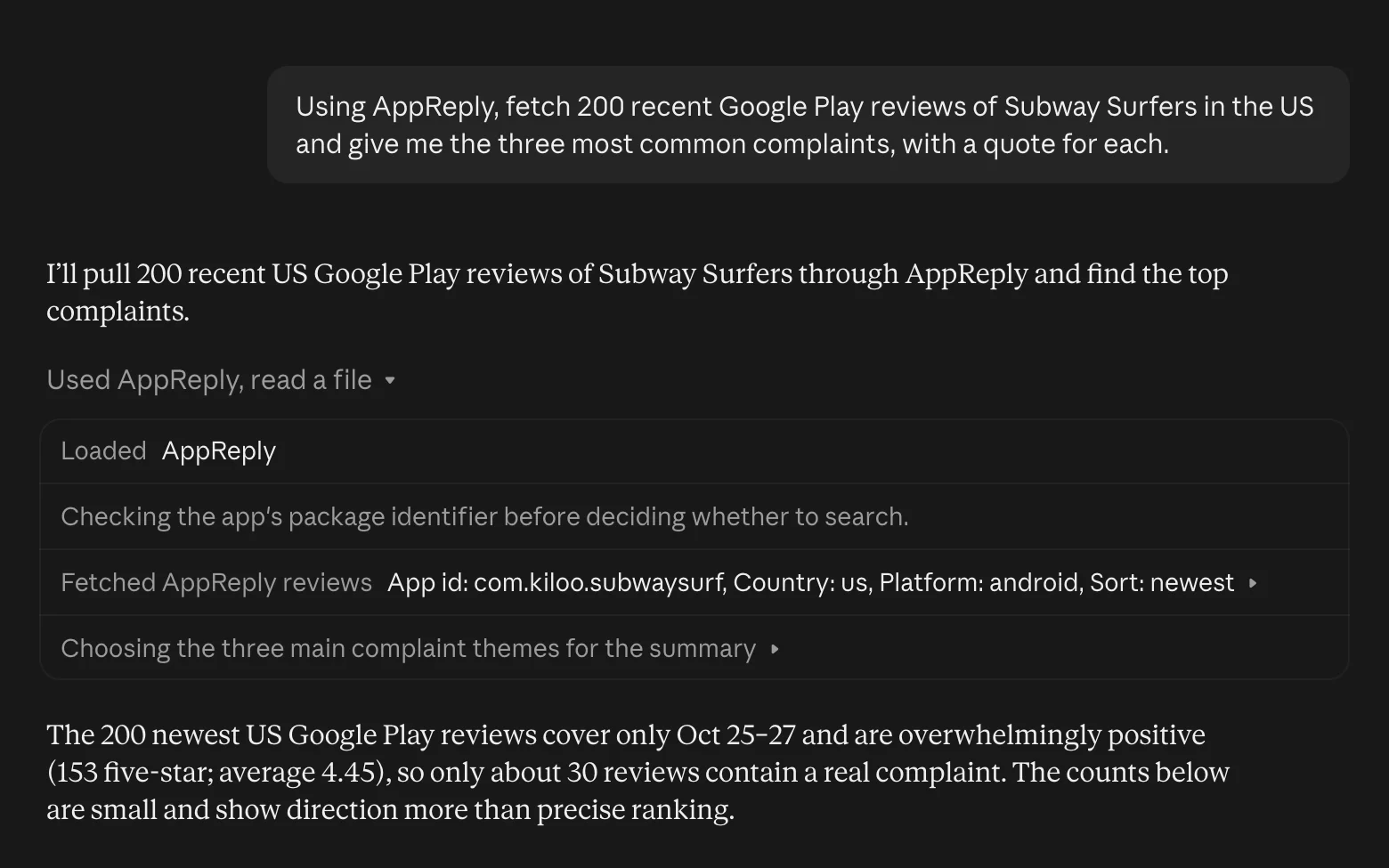
Questions such as “what are the unreplied 1-star reviews on our Android app?”, “what do recent reviews of our iOS app say about login?” or “what do a competitor’s users complain about on Google Play?” The agent answers from your reviews, review insights and knowledge base in AppReply, and from public store data.
How is it different from RADAR?
RADAR is the AI agent inside AppReply. It answers with charts and the reviews behind them, sets filters on the page you are on, and drafts replies that wait for your approval. The MCP server brings your AppReply data into the AI agent you already use.
Which plans include it?
Standard, Pro and Enterprise, and the 10-day trial. Without one, the server still connects, and each question gets an answer saying the organization has no active plan.
Which organization can the agent see?
One per connection, the one you pick on the consent screen. To switch, disconnect and connect again, then choose the other one.
Does it work for Galaxy Store, AppGallery and RuStore apps?
Partly. When those apps are connected to AppReply, the agent can search their reviews. Public store research covers the App Store and Google Play.
Is there an open-source version?
Yes. The public App Store and Google Play tools are also on GitHub as mcp-appstore, which you run on your own machine. The hosted server at https://appreply.co/mcp adds your AppReply reviews, insights and knowledge base, with OAuth sign-in and nothing to install.
How long does the connection stay signed in?
The agent gets a short-lived access token that renews by itself. After 30 days without use, or 90 days after you first connected, it asks you to connect again. If you are removed from the organization, access stops right away.
Ask your AI agent what your reviews say.
Add the server, sign in, and ask about the reviews AppReply has collected.
Standard, Pro and Enterprise · 10-day Pro trial · No credit card