App Store Connect
Apple App Store

Public reviews arrive as soon as you add the app. Connect an App Store Connect API key to reply, run reply rules and bring in recent replies.
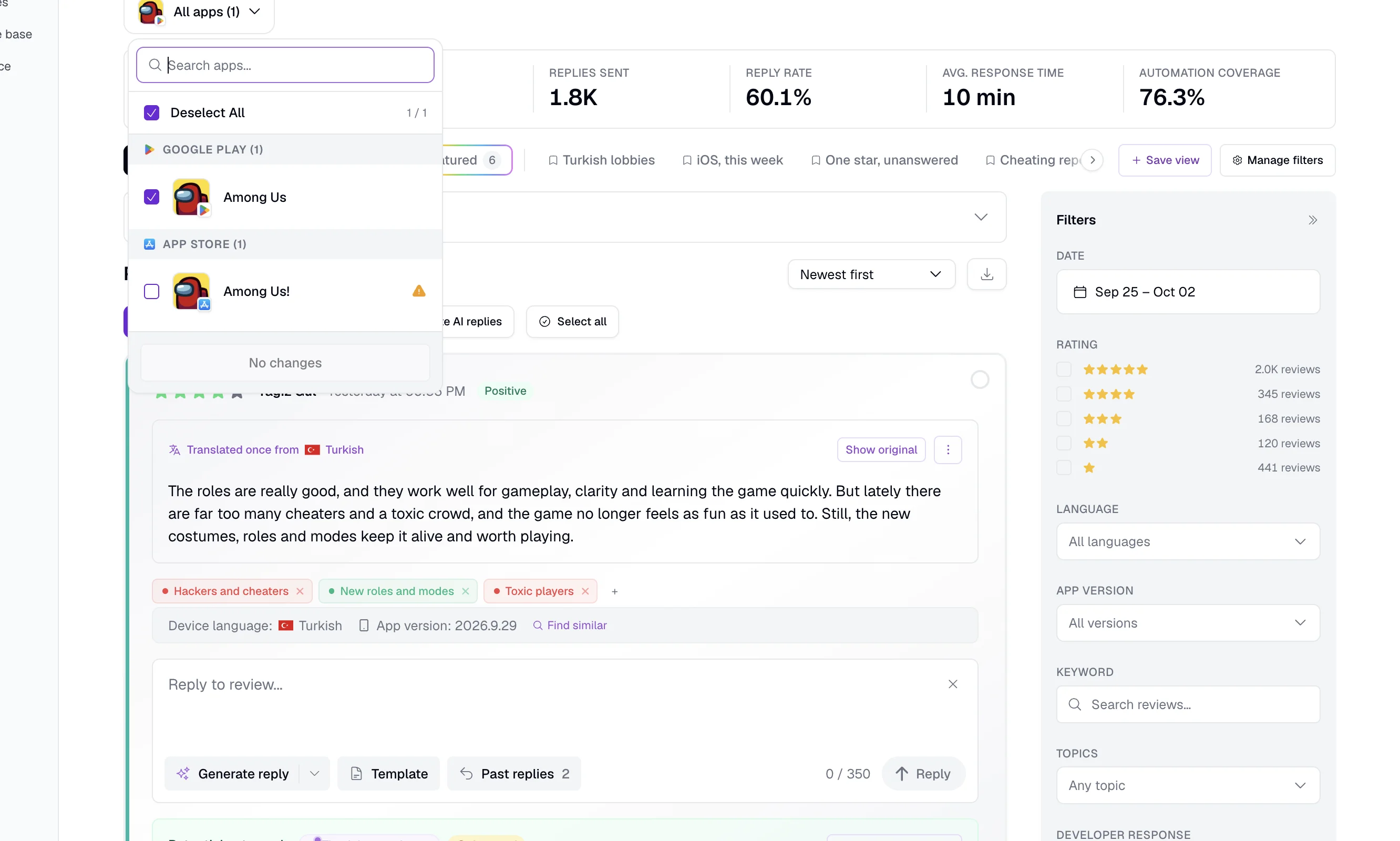
App Store repliesApp review management for the Apple App Store, Google Play, Samsung Galaxy Store, Huawei AppGallery and RuStore. Read, translate and answer reviews from all five in one feed.
10-day Pro trial · No credit card
Trusted by teams behind apps with 1.7B+ combined downloads








Each page shows the store’s reply rules, what AppReply supports there, and how to connect it.
App Store Connect
Public reviews arrive as soon as you add the app. Connect an App Store Connect API key to reply, run reply rules and bring in recent replies.
App Store repliesGoogle Play Console
Public reviews arrive without a login. Sign in with Google to reply, and reply rules check the 350-character limit first.
Google Play repliesSeller Portal
Connect a Seller Portal service account to read Buyer Comments, reply within 1,400 bytes and set reply rules.
Galaxy Store reviewsAppGallery Connect
Connect an API client to read comments with the app version. Then reply by hand or by rule.
AppGallery reviewsRuStore Console
Add the app to read and translate its public RuStore reviews, no credentials needed. Connect a RuStore API key to answer them. A person sends each reply, and AppReply skips reviews that already have one in moderation.
RuStore reviewsEach store page lists the exact keys to connect. “Not available” marks work AppReply does not do on that store.
Plan
How you add the app
Reviews without store credentials
Replies from AppReply
Reply rules
Works while you are away
Past replies imported
Review alerts
Rating-change alerts
Topic and sentiment analysis
Reply Quality
Competitor and featured-review tracking
Translation and AI drafts
Current as of October 6, 2026.
FAQ
Five: the Apple App Store, Google Play, Samsung Galaxy Store, Huawei AppGallery and RuStore. Reviews from all five land in one feed. The Free plan covers the App Store or Google Play. Standard adds Samsung Galaxy Store and Huawei AppGallery. Pro and Enterprise include all five.
Yes. Connect an App Store Connect API key and your Google Play account, and you can answer both from one queue. Reply rules work on both.
It depends on the store. Google Play allows 350 characters, RuStore allows 500, and Samsung allows 1,400 bytes. Huawei’s guide lists 200 characters, on a page last updated in 2020. Apple does not publish a limit, and about 5,970 characters is what developers report. AppReply keeps App Store replies to 2,000 characters or fewer.
Apple, Google, Huawei and RuStore let you edit a reply in their consoles. Samsung’s guides do not say. On the App Store, the latest version is the one that shows. On RuStore, an edited reply is moderated again.
On three stores, yes. Apple notifies the customer, Google sends a push notification and an email, and Samsung emails the user. The developer help for AppGallery and RuStore does not say.
Not for the App Store, Google Play or RuStore. AppReply reads their public reviews as soon as you add the app. RuStore works the same way: its public reviews arrive as soon as you add the app. Galaxy Store and AppGallery reviews arrive once you connect that store’s credentials.
The App Store and Google Play once they are connected, plus Galaxy Store and AppGallery. On RuStore, a person sends each reply. Reply rules are not available there.
Add your first app, then connect the stores you publish on.
10-day Pro trial · No credit card