
Samsung Galaxy Store reviews, in the same inbox.
Bring Samsung Galaxy Store reviews into the queue your team already uses. A service account from Seller Portal, Samsung’s console for developers, connects them.
10-day Pro trial · No credit card
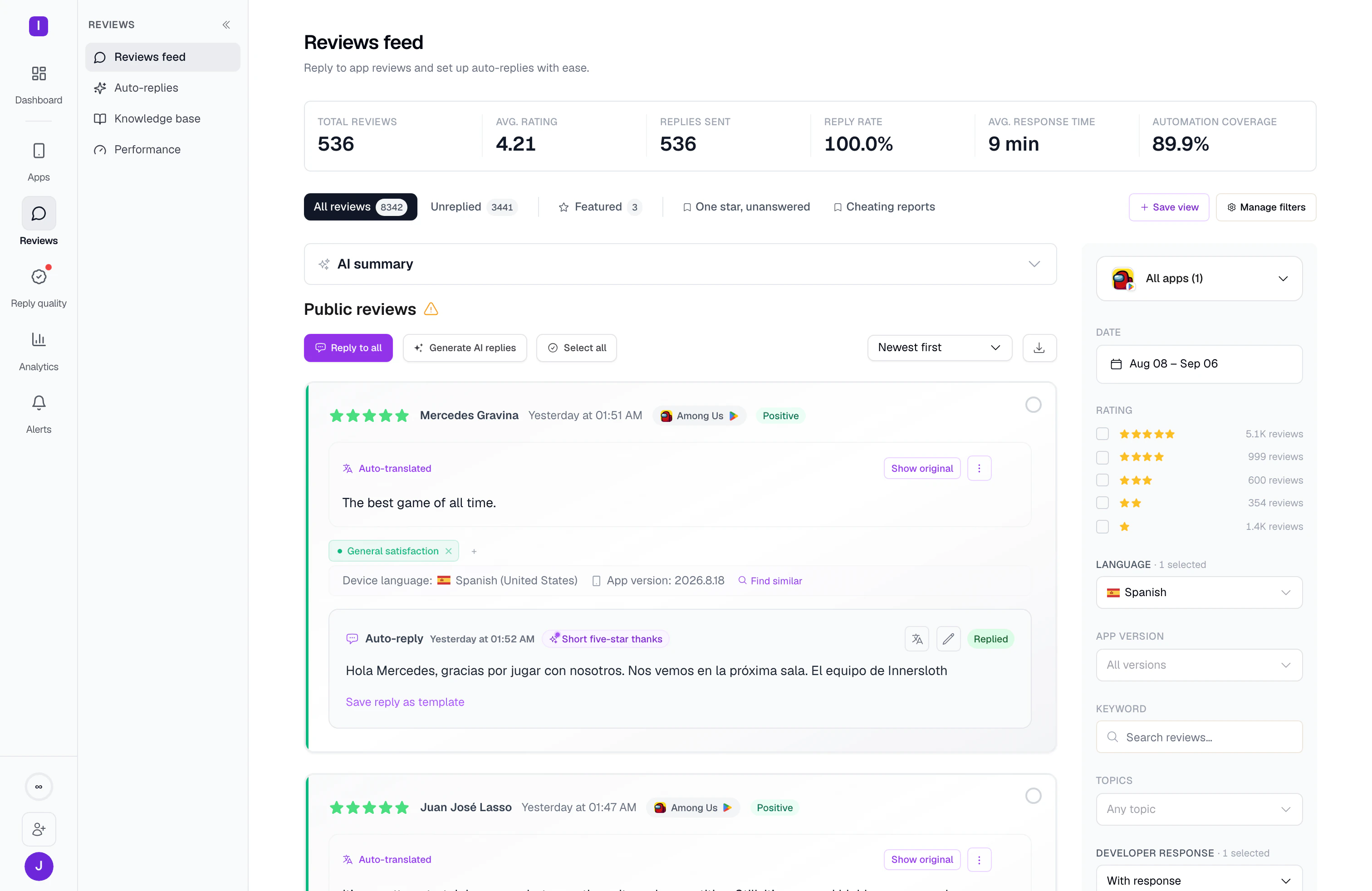
Connect Galaxy Store in four steps.
Galaxy Store reviews need a service account first. Here is the order.
Create a service account
In Seller Portal, give it the publishing scope. Keep the service account ID and the private key.
Add the app to AppReply
Enter the app name and its 12-digit Content ID.
Connect the account
Paste the service account ID and private key. Reviews and recent replies begin to load.
Set your reply rules
Answer comments yourself, or let rules publish right away or wait for approval.
Buyer Comments, without the spreadsheet.
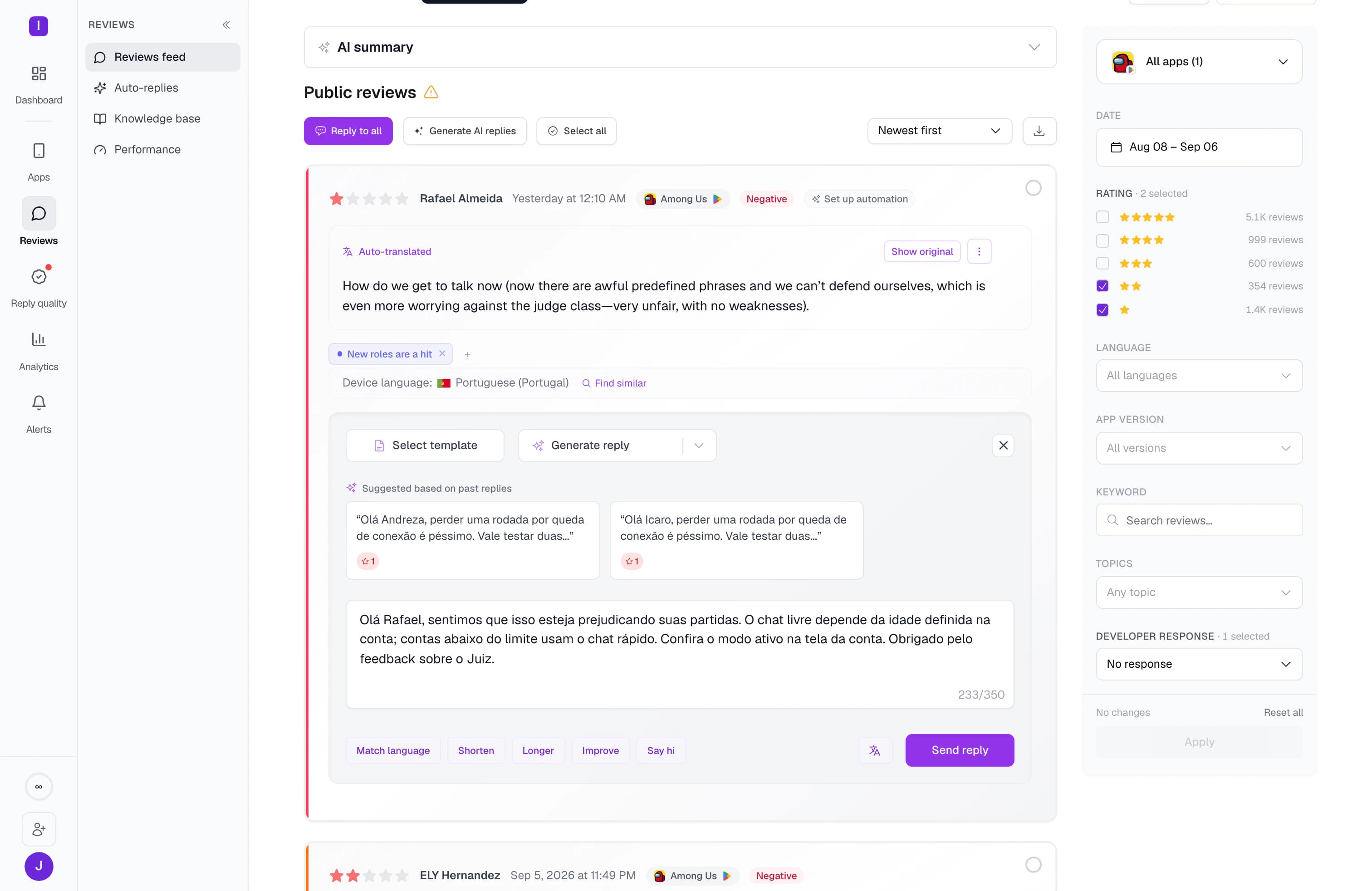
Seller Portal lists reviews under Buyer Comments, where you can filter them or download a CSV. AppReply brings the same comments into your feed. Each one shows the app version and a translation. Your recent replies come in when you connect. Alerts use the comments AppReply has loaded, and reply rules load new ones each time they run. Topic and sentiment analysis is not available for Galaxy Store apps.
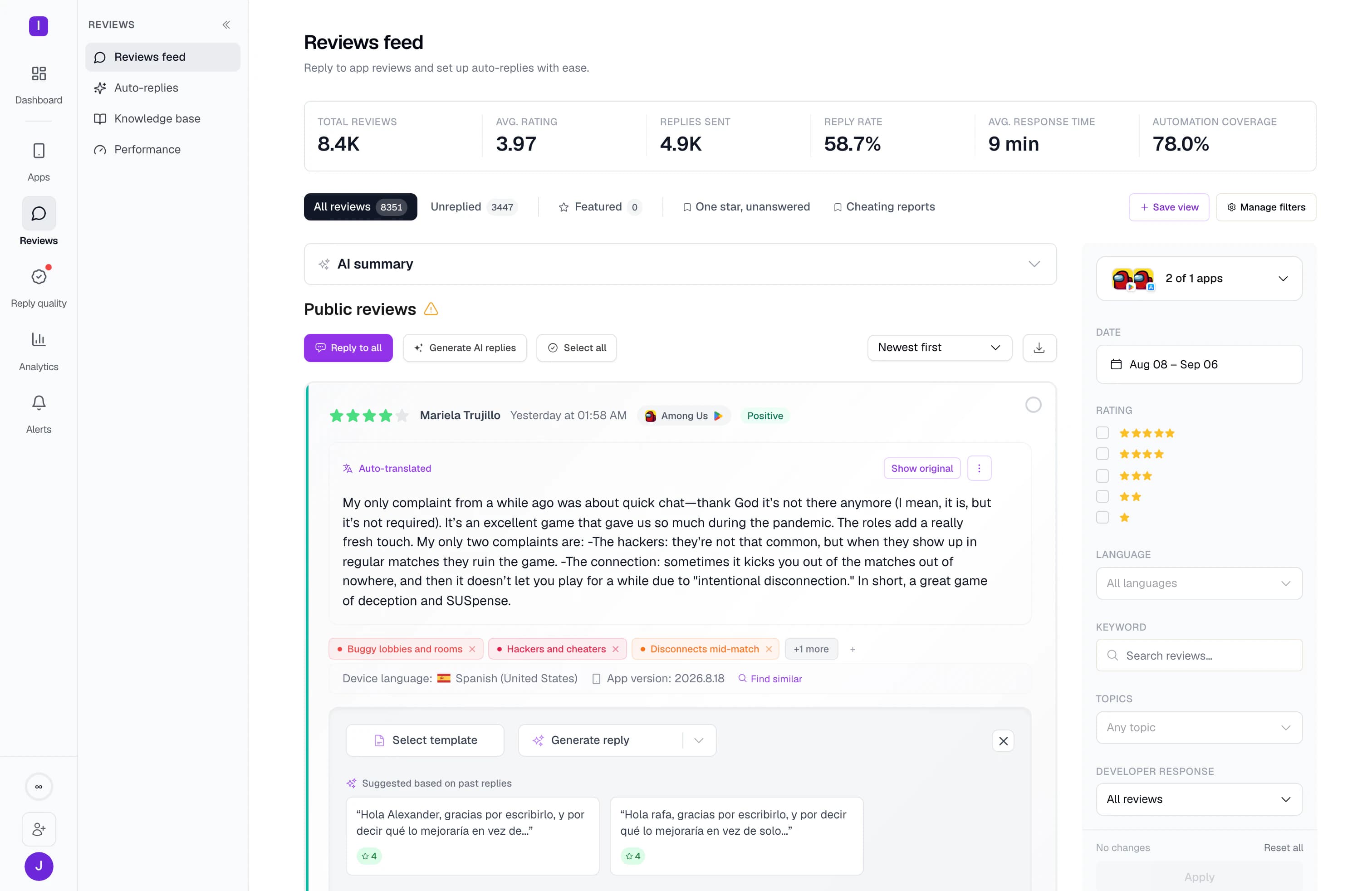
Replies go live at once. Decide when to approve.
A Galaxy Store reply shows on your store page as soon as it is sent. The user also gets an email. In AppReply, each reply rule can publish right away or wait for a teammate to approve. Samsung accepts replies of up to 1,400 bytes, and reply rules check that before they publish. Letters outside the Latin alphabet take more space, so a reply in Korean or Russian fits fewer characters.
What AppReply supports on Galaxy Store
Reviews arrive once a Seller Portal service account is connected.
| Plan | Standard, Pro and Enterprise. Not included on Free. |
|---|---|
| Adding the app | Enter the app name and its 12-digit Content ID. |
| What you connect | A Seller Portal service account: the service account ID and private key, with the publishing scope. |
| Replies and rules | Yes. Rules can publish right away or wait for approval. |
| Reply length | Reply rules keep replies within 1,400 bytes. A reply you type by hand is capped at 700 characters. |
| Review country | Kept with each review, because replies need it. |
| After you connect | Your recent replies are imported, so drafts can draw on them. |
| Alerts | Yes, for comments AppReply has loaded. Reply rules load new ones as they run, and so does opening the app. |
| Also included | App version on reviews, translation and AI drafts. |
| Not available | Topic and sentiment analysis, rating-change alerts, Reply Quality, competitor tracking and featured-review tracking. |
FAQ
Questions about Galaxy Store reviews
Where are Galaxy Store reviews in Seller Portal?
Under Buyer Comments. There you can filter comments by country, device, rating and period, and download them as a CSV.
Does Samsung email the reviewer when you reply?
Yes. The user gets an email, and your reply shows on the Galaxy Store page as soon as it is sent.
Are Galaxy Store ratings counted per country?
Yes. A rating from one country does not change your average in another. AppReply keeps each review’s country, since replies need it.
How do you connect Galaxy Store to AppReply?
Create a Seller Portal service account with the publishing scope. Add your app with its name and 12-digit Content ID. Then enter the service account ID and private key. Galaxy Store is included on the Standard, Pro and Enterprise plans.
Is there a length limit for Galaxy Store replies?
Yes. Samsung’s API accepts replies of up to 1,400 bytes, and reply rules check that before they publish. Letters outside the Latin alphabet use more of that space, so replies in Korean or Russian fit fewer characters. A reply typed by hand in AppReply is capped at 700 characters.
Can you answer several comments at once?
In Seller Portal, yes. Select several comments and send one reply to all of them. You can also save up to 10 replies for reuse.
Does AppReply track competitors on Galaxy Store?
No. Tracking for competitors and featured reviews is not available for Galaxy Store. Topic and sentiment analysis and Reply Quality are not available for Galaxy Store apps either. Reviews also need the service account, since AppReply does not read public Galaxy Store reviews.
Your other stores, in the same queue.
- Apple App StoreReplies through an App Store Connect API key.
- Google PlayReplies that fit the 350-character limit.
- Huawei AppGalleryComments with the app version, ready for a reply.
- RuStoreReviews translated, and replies checked for duplicates before sending.
- All supported storesCompare reply rules across all five stores.
- IntegrationsSend reviews to team chat and helpdesks.



Put Buyer Comments in your review queue.
Connect Seller Portal once, and Galaxy Store comments join the queue your team already works from.
10-day Pro trial · No credit card