
Huawei AppGallery reviews, next to the rest.
Huawei AppGallery reviews land in the same feed as your other stores, translated and ready for a reply. Connect them with an API client from AppGallery Connect, Huawei’s console for developers.
10-day Pro trial · No credit card
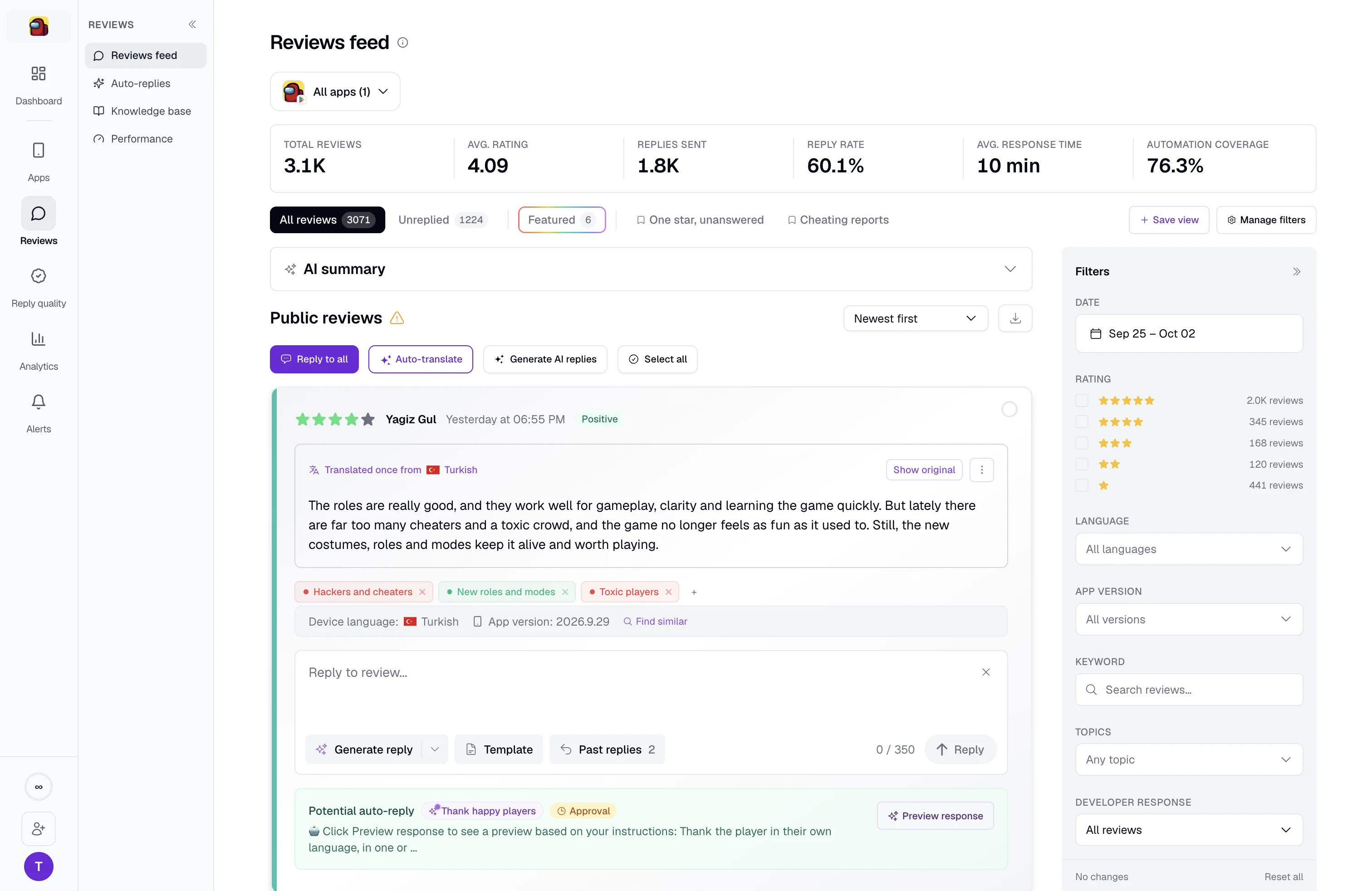
Four steps from API client to first reply.
Everything starts with an API client from AppGallery Connect.
Create an API client
In AppGallery Connect, give it the Operations role and leave the project as N/A. Copy the client ID and client secret.
Add the app
Enter its name and App ID in AppReply.
Paste the credentials
Add the client ID and client secret. Comments and recent replies start loading.
Decide who sends replies
Write replies yourself, or let reply rules send them or queue them for approval.
Know when a comment needs you.
AppGallery Connect lists reviews as comments. AppReply pulls them into your feed. Each comment shows the app version. Review alerts tell your team what needs a look. They work from the comments AppReply has loaded, and reply rules load new ones each time they run. Topic and sentiment analysis and rating-change alerts are not available for AppGallery apps.
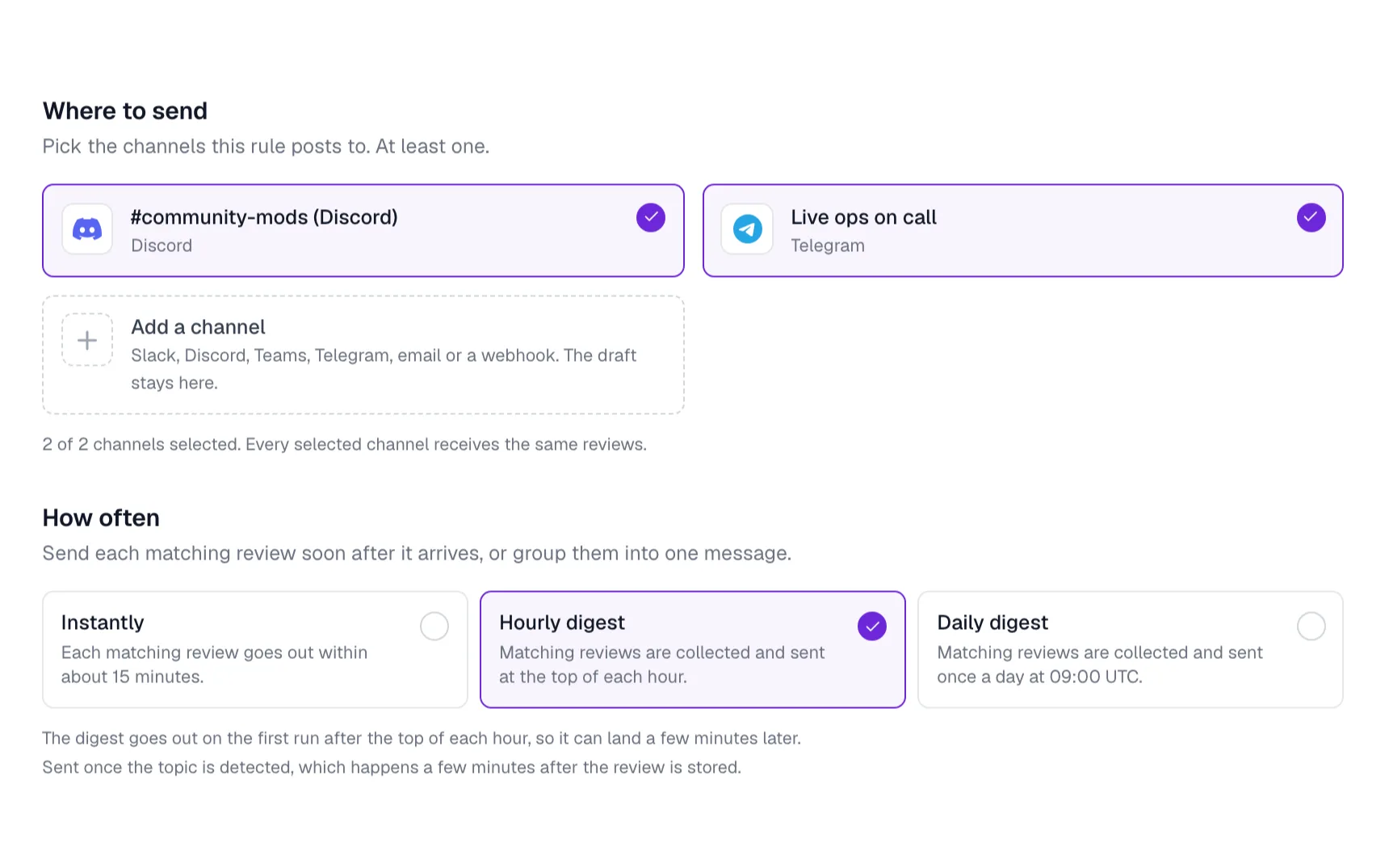
Keep links and phone numbers out of your replies.
Huawei does not allow links, phone numbers or QQ numbers in replies. QQ is a chat app. Repeated violations can block an account from replying, so keep these out of the help docs and approved answers your drafts use. Reply rules can hold replies for approval, so a teammate reads each one before it goes out.
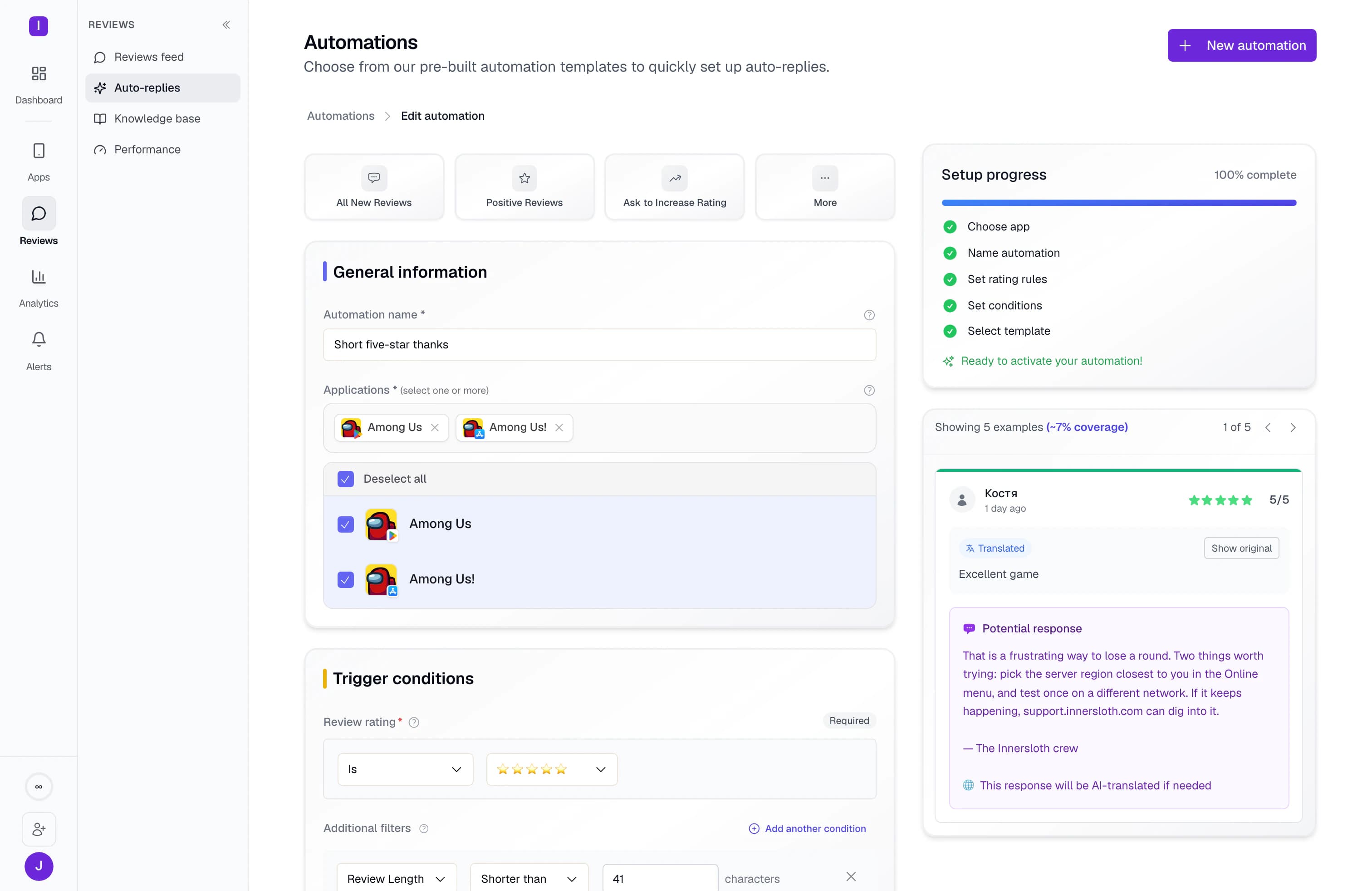
What AppReply supports on AppGallery
Connect an API client first. Comments, replies and alerts follow.
| Plan | Standard, Pro and Enterprise. Not included on Free. |
|---|---|
| Adding the app | Enter the app name and its App ID. |
| What you connect | An AppGallery Connect API client: the client ID and client secret, with the Operations role. Leave the project as N/A. |
| Before connecting | Comments arrive once the API client is connected. |
| Replies and rules | Yes. Rules send replies on their own or queue them for approval. |
| Reply length | AppReply accepts replies of up to 800 characters. Huawei’s guide lists 200, so shorter replies are the safe choice. |
| After you connect | Your recent replies are imported, so drafts can draw on them. |
| On each comment | The app version, plus translation. The device model is saved with each comment and included in alerts and review exports. |
| Alerts | Yes, for new comments AppReply has loaded. New comments load when you open the app and when reply rules run. |
| Drafts | AI drafts from your help docs. Drafts that also use your approved answers are on Pro. |
| Not available | Topic and sentiment analysis, rating-change alerts, Reply Quality, competitor tracking and featured-review tracking. |
FAQ
Questions about AppGallery reviews
Where are reviews in AppGallery Connect?
AppGallery Connect lists them as comments. By default you can view comments from the last two years. You can export up to 100,000 comments for each one-month period.
Can you update an AppGallery reply?
Yes. You can update a reply later in AppGallery Connect. If the user answers your reply, it shows there so you can keep the thread going.
What does the AppGallery Connect API client need?
A client ID and client secret, with the Operations role. Leave the project set to N/A. You also add the app to AppReply with its name and App ID. AppGallery is included on the Standard, Pro and Enterprise plans.
What can an AppGallery reply not include?
Links, phone numbers or QQ numbers. Huawei can block an account from replying after repeated violations.
How long can an AppGallery reply be?
Huawei’s guide lists 200 characters for comments and replies. That page was last updated in 2020, so check AppGallery Connect for the current limit. AppReply accepts AppGallery replies of up to 800 characters.
Does AppReply keep the device model?
Yes. AppReply saves the device model with each AppGallery comment and includes it in alerts and review exports. The review feed shows the app version.
Can AppReply track competitors on AppGallery?
Not on AppGallery. Competitor tracking and featured-review tracking cover the Apple App Store and Google Play. So do topic and sentiment analysis and Reply Quality.
Your other stores, in the same queue.
- Apple App StoreReplies through an App Store Connect API key.
- Google PlayReplies that fit the 350-character limit.
- Samsung Galaxy StoreBuyer Comments, replies and a 1,400-byte limit.
- RuStoreReviews translated, and replies checked for duplicates before sending.
- All supported storesCompare reply rules across all five stores.
- IntegrationsSend reviews to team chat and helpdesks.




Put AppGallery comments in front of your team.
Create one API client, and Huawei AppGallery reviews show up with everything else.
10-day Pro trial · No credit card