
Reply to Google Play reviews, short and clear.
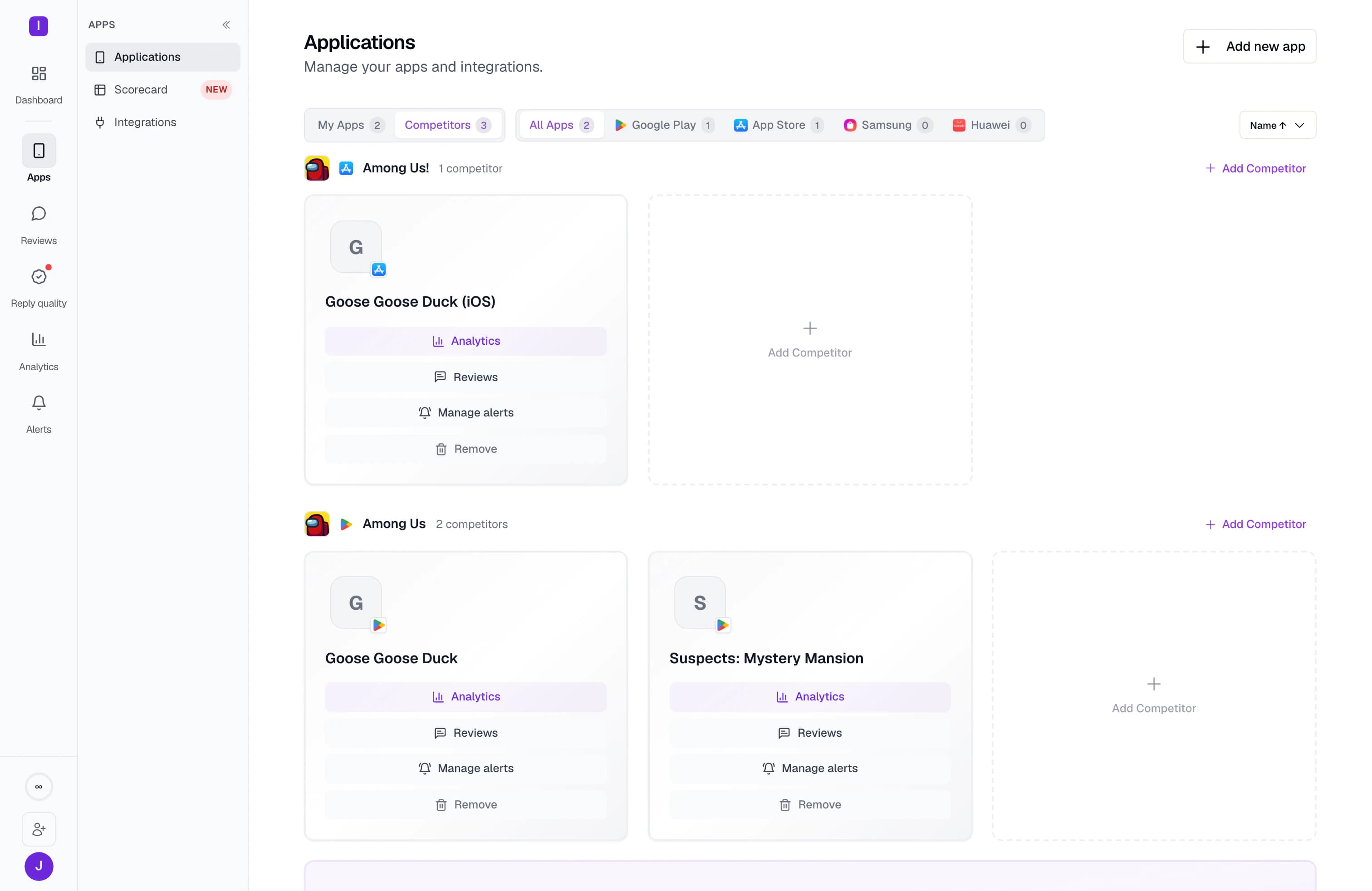
Reply to Google Play reviews from the same queue as your other stores. Sign in with Google, and reply rules check the 350-character limit before anything goes out.
10-day Pro trial · No credit card
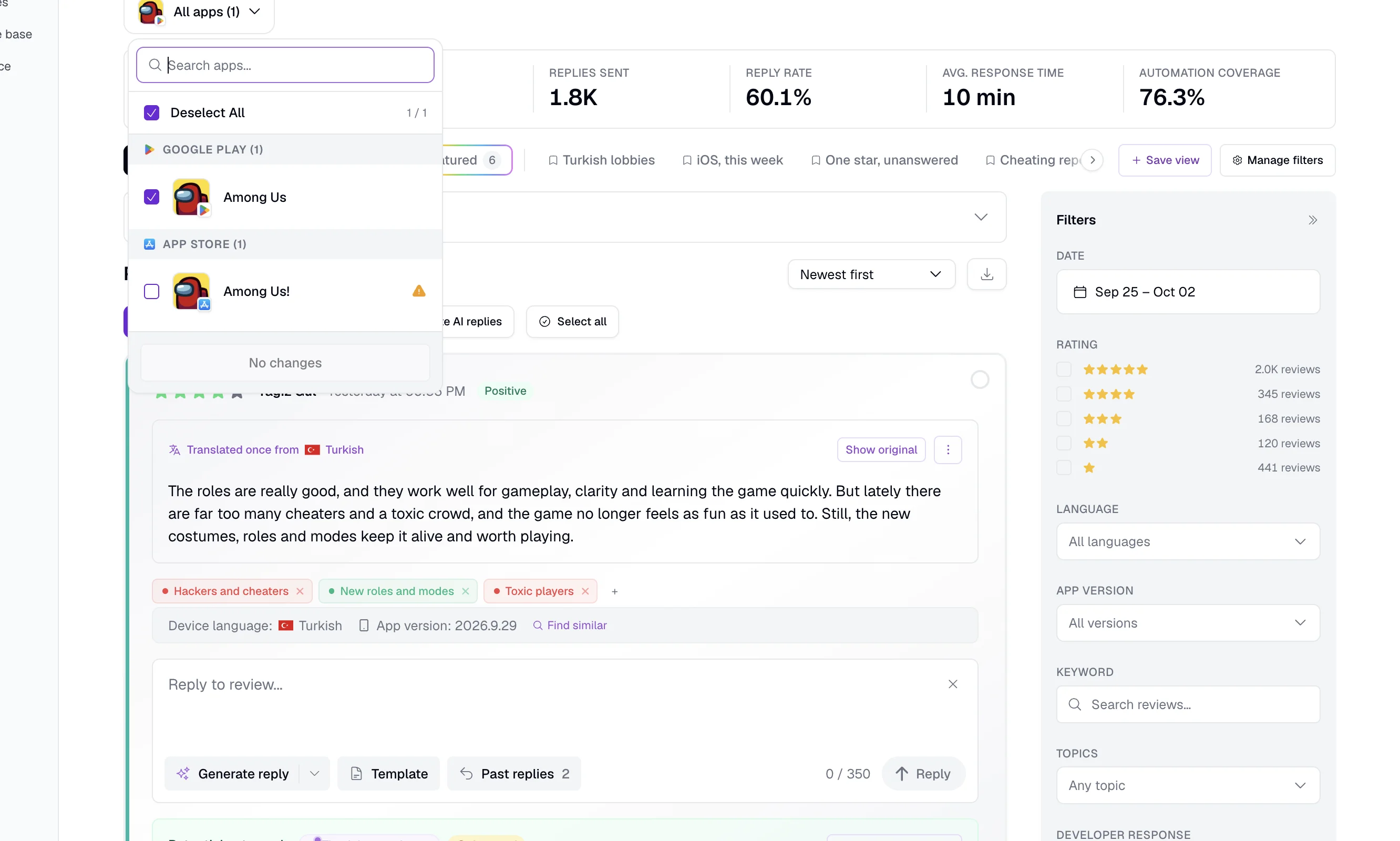
Start replying on Google Play in four steps.
You can read public reviews right away. Replies need access to your Play Console account.
Add the app
Search for it, or paste its Google Play link.
Give AppReply access
Sign in with Google. Or upload a service account key that has the Reply to reviews permission.
Let the history load
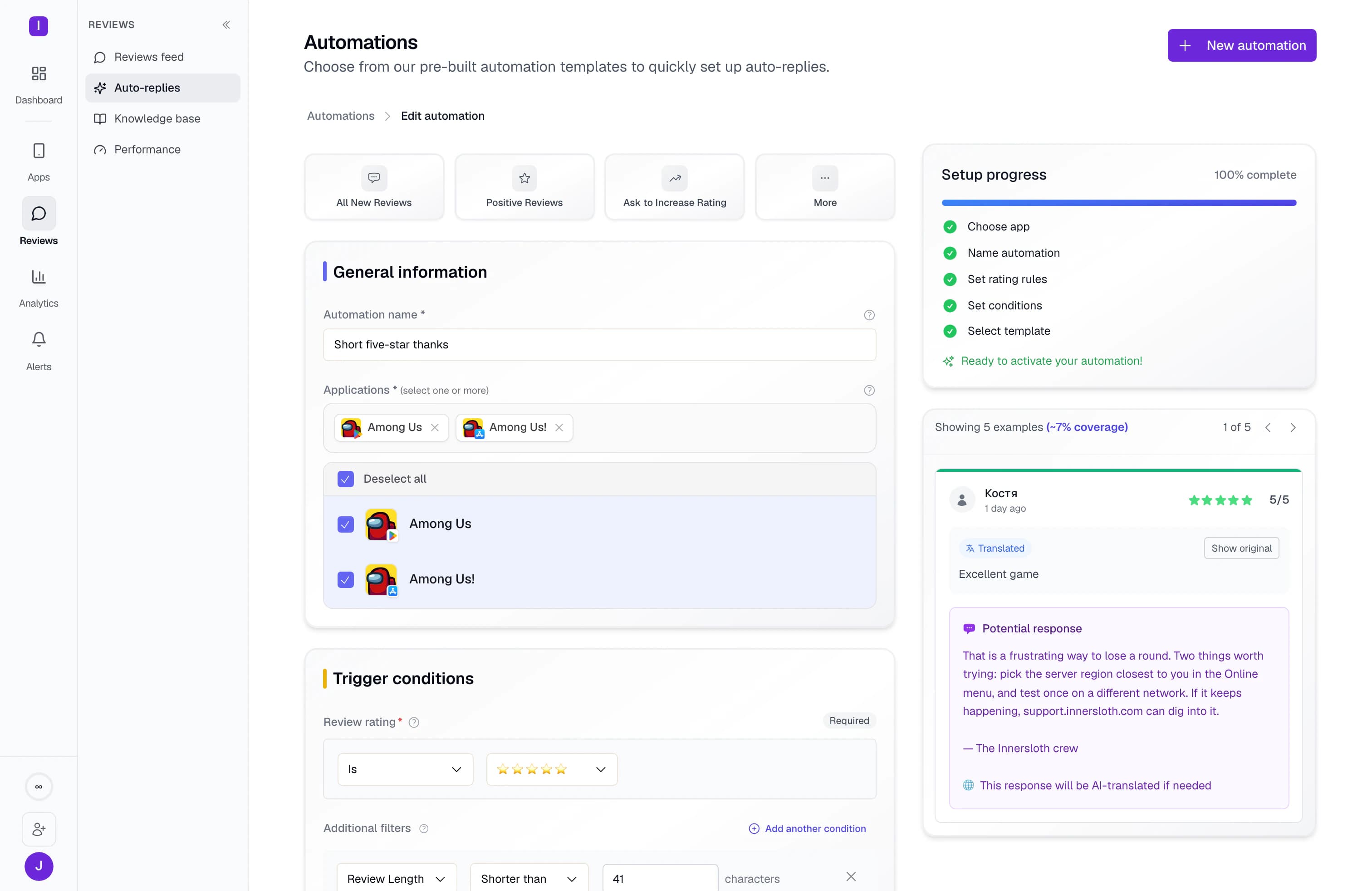
Replies from the past week are imported when you connect, so drafts can draw on them.
Pick how replies go out
Reply by hand, or set rules that post on their own or wait for approval.
Know which version each review is about.
Google Play reviews arrive with the app version attached, so a complaint points to a release. Public reviews need no login. Connect your account to publish replies and to import the replies you wrote in the past week. You can also track competitor apps and your rating by country, and featured reviews once the account is connected.
Stay inside Google’s reply rules without counting.
Google gives each developer reply 350 characters, and it tells the reviewer by push notification and email when you answer. Its posting policy says: “Don't solicit or promote: Users don't find solicitations and promotions relevant or useful.” AppReply writes drafts from your help docs and approved answers. Reply rules check the length before anything goes out. Each rule can post on its own or hold replies for approval.
What AppReply supports on Google Play
Public reviews need no login. Replies, reply rules and your recent reply history need your Google Play account.
| Plan | Every plan. Free covers one app, on Google Play or the App Store. Translation, drafts from your help docs, topics and sentiment start on Standard. Drafts from approved answers, Reply Quality, competitor tracking and featured-review tracking are on Pro. |
|---|---|
| Adding the app | Search for it, or paste the store link. |
| Without a login | Yes. AppReply reads public reviews. |
| What you connect | Sign in with Google, or upload a service account key that has the Reply to reviews permission. |
| Replies | Yes, after you connect. |
| Reply rules | Yes, after you connect. Rules post replies on their own or hold them for approval. |
| Your reply history | Replies from the past week are imported when you connect, so drafts can draw on them. |
| The one-week window | It applies to the API. AppReply also reads public reviews. |
| On each review | The app version, with translation for reviews and drafts. |
| Also included | Alerts, topics and sentiment, AI drafts, Reply Quality, and tracking for competitors and ratings by country. Featured-review tracking needs a store connection. Without a store connection, new-review alerts arrive within a day or two. |
FAQ
Questions about Google Play replies
How long can a Google Play reply be?
Up to 350 characters. That limit is for developer replies, and it is separate from what users can write. Reply rules in AppReply check it before they publish.
Can you edit a reply on Google Play?
Yes. Google lets you edit your reply at any time. Users can also update their rating or review at any time, and Google sends them a push notification and an email when you reply.
How far back can a tool read Google Play reviews?
Through the Google Play Developer API, only reviews created or changed in the last week. Older reviews are in the monthly reports you can download from Play Console. AppReply also reads public reviews.
What does Google’s reply policy ask for?
Google’s Developer Comment Posting Policy lists four rules. In Google’s words: “Make it clear and relevant”, “Be nice”, “Don't solicit or promote: Users don't find solicitations and promotions relevant or useful.” and “Keep it clean: Don't post content that is sexually explicit or contains profanity.”
What do you connect to reply on Google Play?
Sign in with Google, or upload a service account key with the Reply to reviews permission. Without it, AppReply still reads public reviews.
How many replies can go out in a day?
The Google Play Developer API allows 2,000 reply requests a day per app by default. Google takes requests to raise that quota.
Your other stores, in the same queue.
- Apple App StoreReplies through an App Store Connect API key.
- Samsung Galaxy StoreBuyer Comments, replies and a 1,400-byte limit.
- Huawei AppGalleryComments with the app version, ready for a reply.
- RuStoreReviews translated, and replies checked for duplicates before sending.
- All supported storesCompare reply rules across all five stores.
- IntegrationsSend reviews to team chat and helpdesks.



Answer this week’s Google Play reviews.
Add your app, sign in with Google, and choose which replies need a second look.
10-day Pro trial · No credit card