
Reply to App Store reviews in one queue.
Respond to Apple App Store reviews alongside Google Play and your other stores. An API key from App Store Connect, Apple’s console for developers, lets AppReply publish.
10-day Pro trial · No credit card
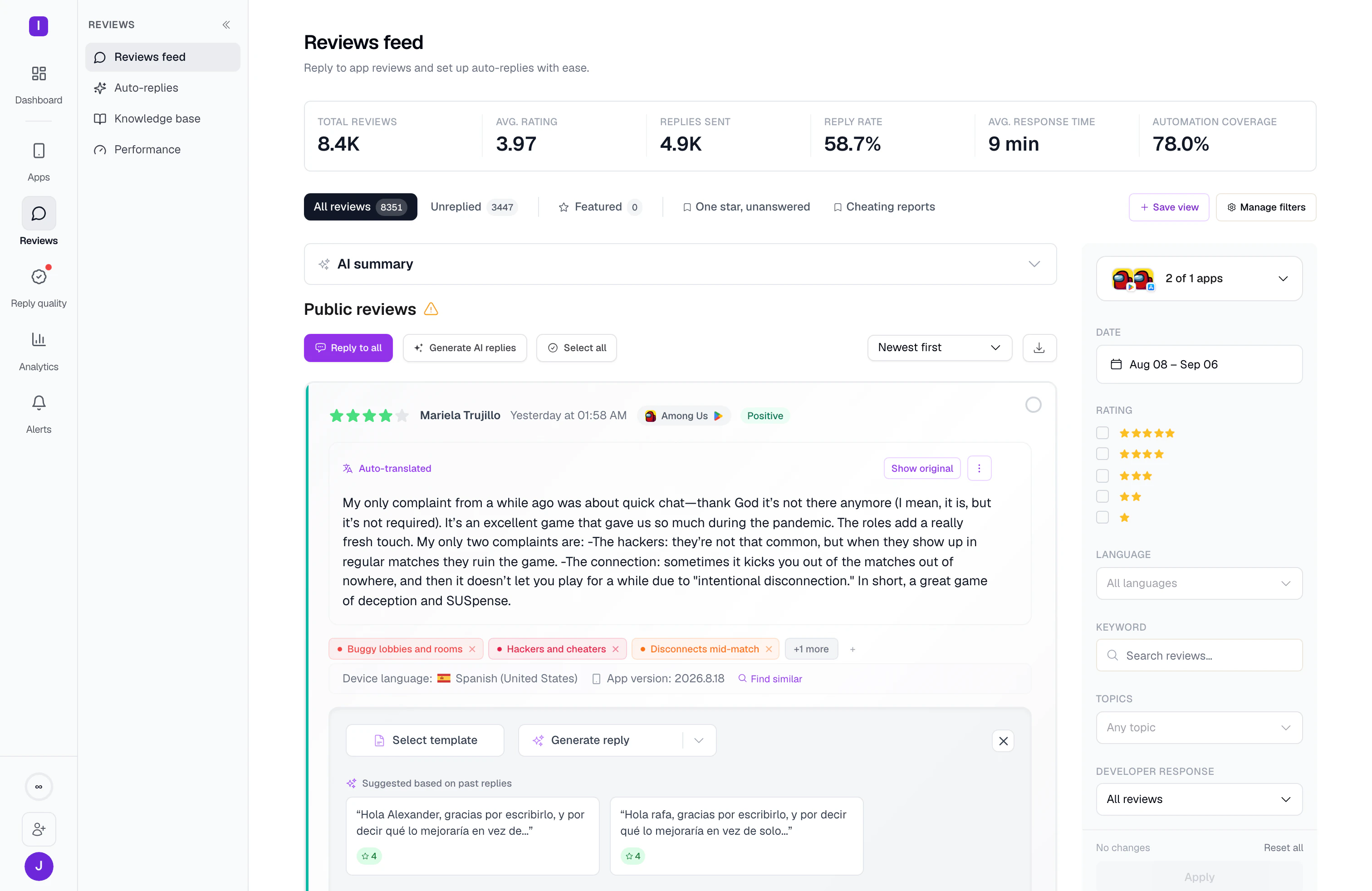
Set up App Store replies in four steps.
Reading public reviews needs nothing. Publishing needs one API key from App Store Connect.
Add your app
Search for it by name, or paste its App Store link. Public reviews begin to arrive.
Create an API key in App Store Connect
Make it an individual key with the Customer Support role. Download the .p8 key file and note the Key ID.
Connect the key to AppReply
Enter the Key ID and upload the .p8 file. Your recent replies come in for drafts to draw on.
Choose who presses send
Answer reviews yourself, or let reply rules publish on their own or wait for approval.
Read App Store reviews, key or no key.
Search for your app or paste its store link, and its public reviews start to arrive. Connect your API key to reply, and your recent replies come in for drafts to draw on. Apple shows ratings per country or region, and AppReply tracks the countries you choose over time. On Pro, it also follows competitor apps, and featured reviews once the key is connected.
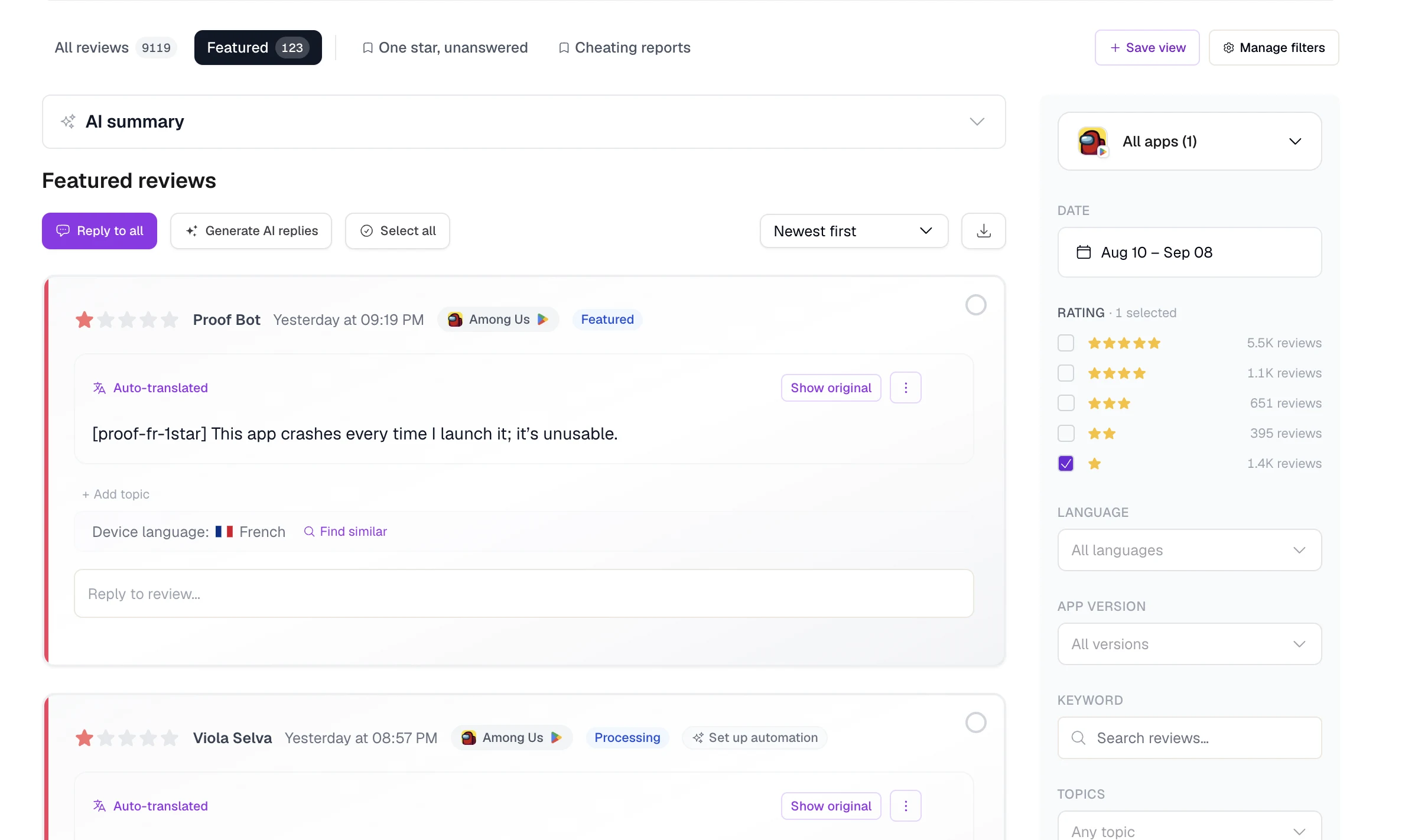
Apple tells the reviewer. Give them a good answer.
Apple notifies the customer when you reply, and they can update their review. AppReply drafts answers from your help docs and approved answers. Reply rules publish them or wait for your approval. Apple does not publish a length limit, and about 5,970 characters is what developers report. AppReply keeps App Store replies to 2,000 characters or fewer. Reply Quality then checks published replies against your scorecard, the team’s list of quality checks.
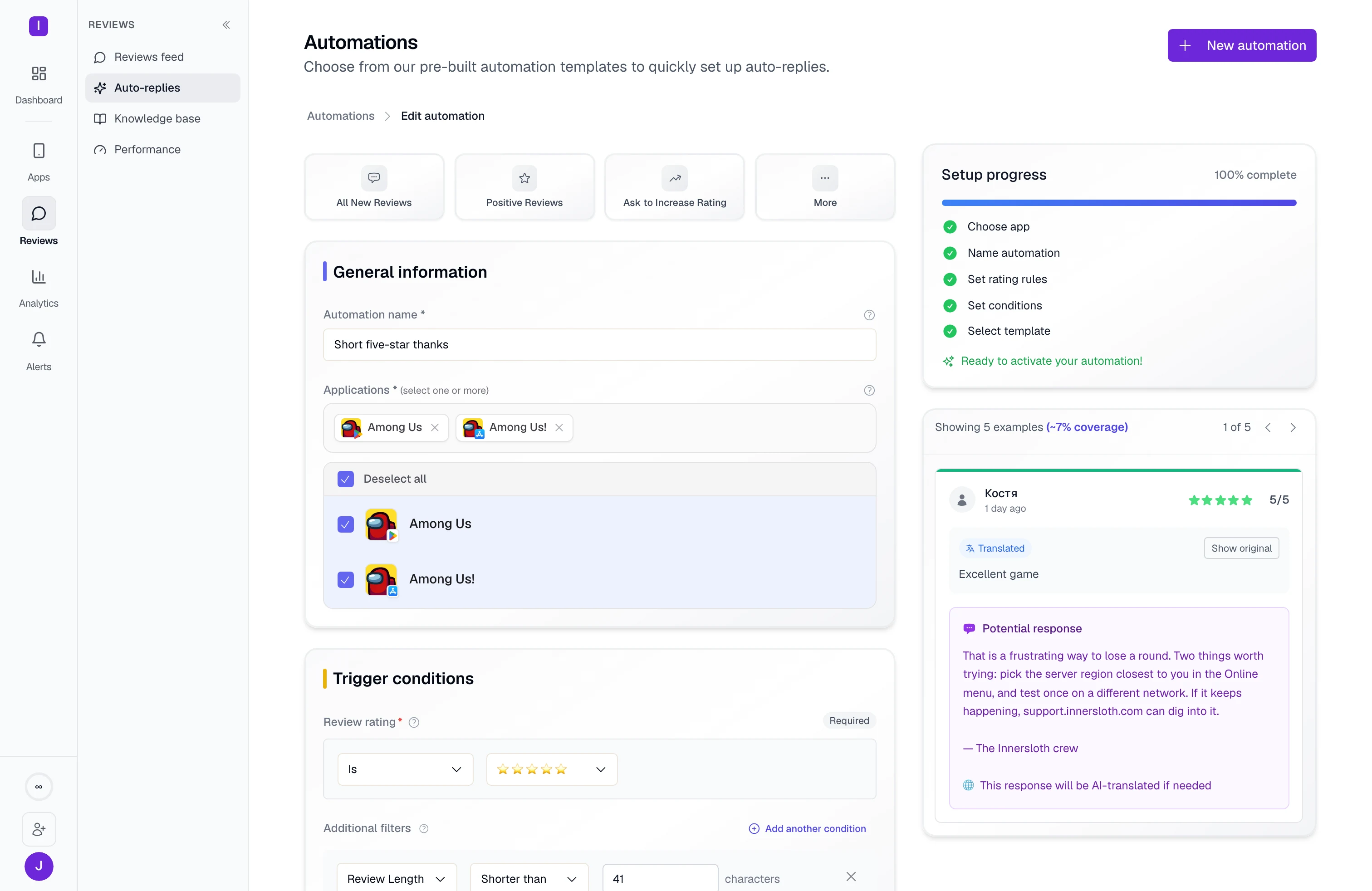
What AppReply supports on the App Store
Reading works without a key. Replies and reply rules need App Store Connect.
| Plan | Every plan. Free covers one app, on the App Store or Google Play. Translation, drafts from your help docs, topics and sentiment start on Standard. Drafts from approved answers, Reply Quality, competitor tracking and featured-review tracking are on Pro. |
|---|---|
| Adding the app | Search by name, or paste the store link. |
| Without a key | Yes. AppReply reads public reviews. |
| What you connect | An App Store Connect API key: the Key ID and the .p8 key file. Create it as an individual key with the Customer Support role. |
| Replies | Yes, after you connect. Each reply stays at 2,000 characters or fewer. |
| Reply rules | Yes, after you connect. Rules publish on their own or wait for approval. |
| After you connect | Your recent replies are imported, so drafts can draw on them. |
| Alerts and analysis | Yes. Alerts for new reviews, and for rating changes with review analytics, plus topics and sentiment. Without a store connection, new-review alerts arrive within a day or two. |
| Tracking | Competitor apps and ratings by country over time. Featured reviews, after you connect. |
| Drafts and quality | Translation, AI drafts from your help docs and approved answers, and Reply Quality. |
FAQ
Questions about App Store replies
Can you reply to App Store reviews from AppReply?
Yes. Connect an App Store Connect API key, and you can answer reviews from your AppReply queue. Write replies yourself, start from an AI draft, or let reply rules publish them.
How long does an App Store reply take to appear?
Up to 24 hours. That is Apple’s guidance for when a reply shows on the App Store.
Does Apple tell the reviewer you replied?
Yes. Apple notifies the customer, and they can update their review. If you flag a review with Report a Concern instead of replying, the reviewer is not told.
Is there a character limit for App Store replies?
Apple does not publish one. About 5,970 characters is what developers report. AppReply keeps App Store replies to 2,000 characters or fewer, and reply rules check that limit before they publish.
Can you change an App Store reply later?
Yes. You can edit or delete a reply in App Store Connect, and only the latest version shows on the App Store.
Is this the same as App Review?
No. App Review is Apple checking your app before release. Customer reviews are the ratings and comments people leave on the App Store. AppReply works with customer reviews.
What does an App Store rating reset do?
When you release a new version, Apple lets you reset the summary rating. Written reviews stay on the App Store.
Your other stores, in the same queue.
- Google PlayReplies that fit the 350-character limit.
- Samsung Galaxy StoreBuyer Comments, replies and a 1,400-byte limit.
- Huawei AppGalleryComments with the app version, ready for a reply.
- RuStoreReviews translated, and replies checked for duplicates before sending.
- All supported storesCompare reply rules across all five stores.
- IntegrationsSend reviews to team chat and helpdesks.



Answer your next App Store review here.
Add your app, connect one App Store Connect API key, and reply from the same queue as your other stores.
10-day Pro trial · No credit card