
Send app reviews to Intercom.
Use the Intercom integration for app store reviews to send hard cases to your inbox. Each one becomes a conversation, and the reply still goes out from AppReply.
Connect on any plan · Ticket rules need Pro · 10-day Pro trial · No credit card
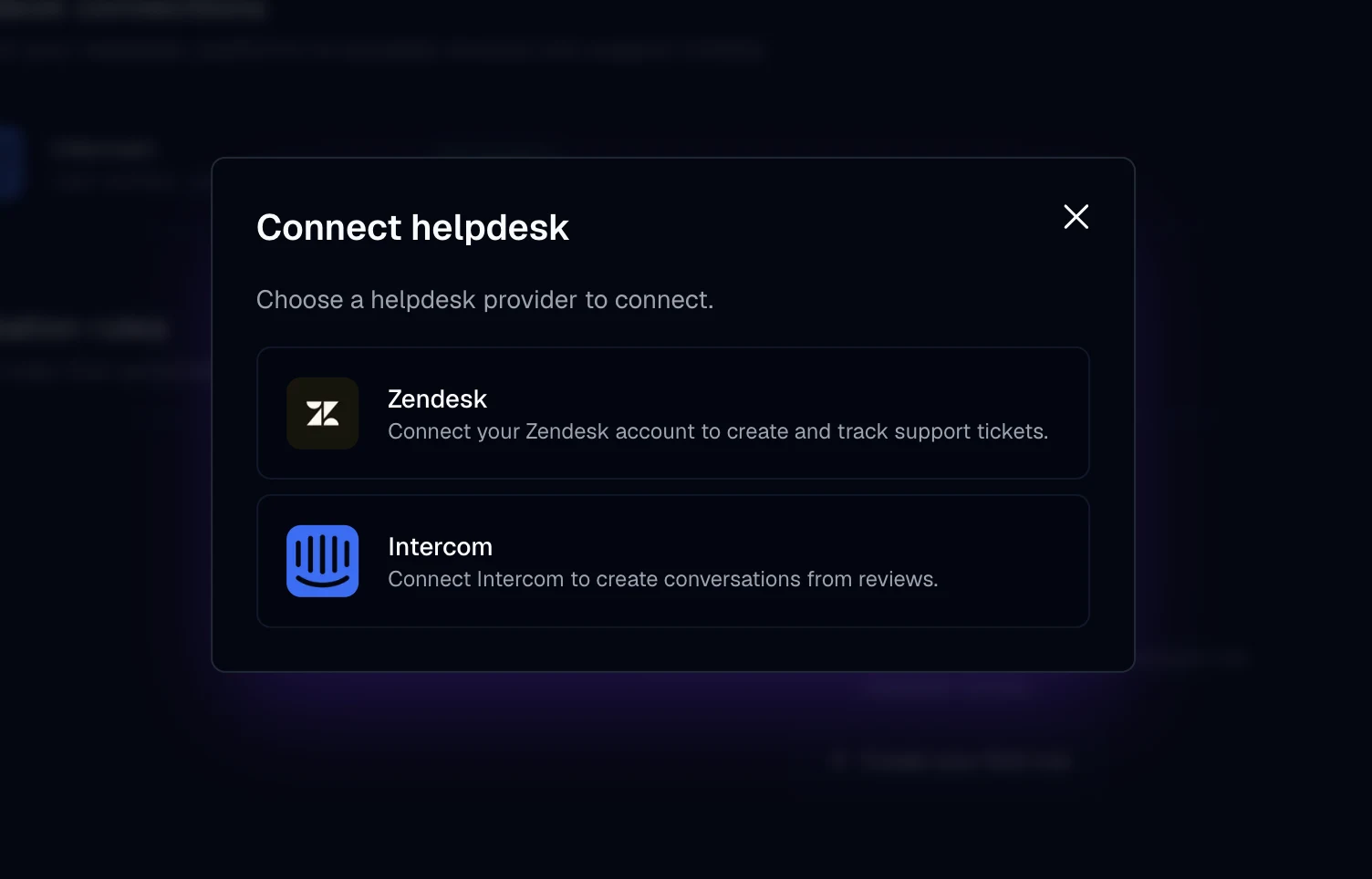
Link Intercom, then start sending reviews.
You can link Intercom on any plan. Ticket rules are a Pro feature. Setting it up takes admin access in Intercom.
Permissions and data
You approve access through your own Intercom app. Tokens stay with the connection service, and nothing from Intercom is posted to the app stores.
Create an Intercom app
In the Intercom Developer Hub, create an app, turn on OAuth, and give it these permissions: read admins, read and write users, read and write conversations. Copy its client ID and secret.
Choose Intercom
Go to Integrations in AppReply. Under Helpdesk connections, click Connect and pick Intercom.
Add your details and approve
Enter the client ID, the client secret and a contact email for review conversations. Then approve access in Intercom. AppReply finds your admin details itself.
Send reviews to Intercom
Choose Create ticket on a review. On Pro, a ticket rule can open a conversation for each new review that matches.
Put review problems in your Intercom inbox.
On any review, choose Create ticket, and it opens in Intercom as a conversation. On Pro, a ticket rule can do the same for new reviews that match on stars, app, language, keywords or length. The conversation carries the rating, reviewer, app, store and review text. Conversations made by a rule add the translation; ones you create by hand add the app version.
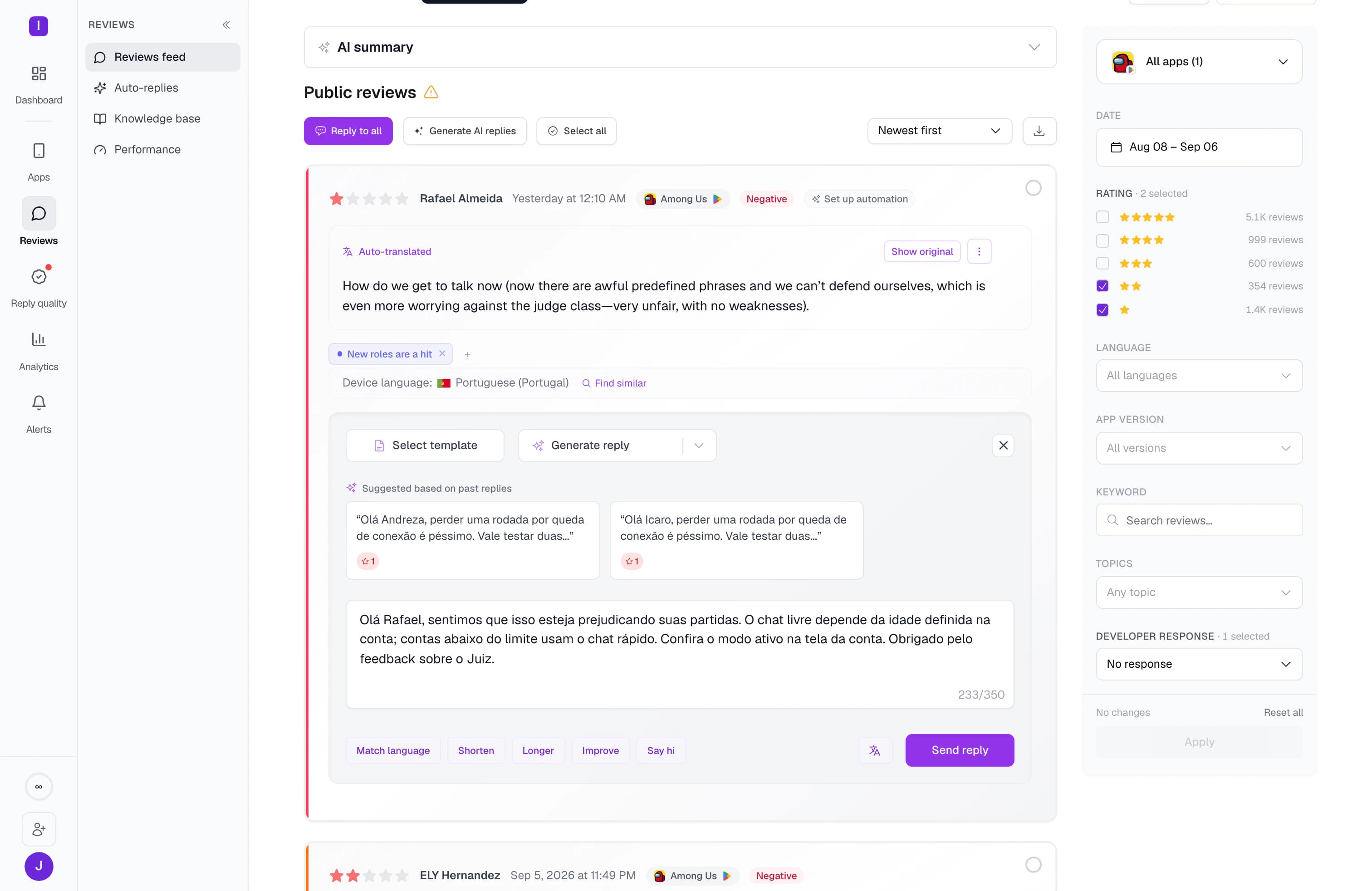
Follow each conversation from the review.
AppReply checks open conversations from the last 30 days on a schedule and shows their state on the review. Open stays open, snoozed shows as pending, and closed shows as closed. When your team has the answer, publish the reply from AppReply, and it appears under the review.
FAQ
Questions about Intercom
Does it work with Apple App Store reviews?
Yes. Any review in AppReply can become an Intercom conversation, whichever store it came from.
What does a Google Play review look like in Intercom?
It shows up as a new conversation with the rating, reviewer, app, store and review text. Rule-made conversations add the translation.
Is it a ticket or a conversation in Intercom?
A conversation. In AppReply the button on a review is called Create ticket. In Intercom, the review shows up as a conversation.
Where do we publish the reply?
In AppReply. Intercom is where your team works out the fix. The reply you publish from AppReply is what the reviewer sees in the store.
Can one review open two conversations?
AppReply links each review to a single Intercom conversation, and later rule runs pass over a review that already has one. If two ticket rules match the same new review at once, each can open a conversation, so give your rules separate conditions.
How often does the status update?
AppReply syncs it on a schedule for conversations from the last 30 days that are not closed. A change in Intercom shows on the review after the next sync.
Which plan includes Intercom?
Any plan can connect Intercom and send a review over with Create ticket. Ticket rules need Pro. Start the 10-day Pro trial to try them on your own reviews.


Send your next hard review to Intercom.
Connect Intercom, route the reviews that need a person, and answer them from AppReply.
Connect on any plan · Ticket rules need Pro · 10-day Pro trial · No credit card