
App Store and Google Play MCP server: analyze app reviews in Claude, ChatGPT or Cursor
AppReply runs a remote MCP server at appreply.co/mcp. Add it to Claude, ChatGPT, Cursor or another AI agent, sign in, and the agent can look up your reviews, insights, knowledge base and release history, plus public App Store and Google Play data for any app. This guide covers the setup in Claude, how it differs from App Store Connect MCP servers, the 16 tools, the limits and the questions worth asking first.
Key takeaways
- Add
https://appreply.co/mcpto Claude, ChatGPT or Cursor, sign in once, and ask about your app reviews wherever you already work. - It reaches two kinds of data: your AppReply data (reviews, insights, knowledge base, release history) and public App Store and Google Play data for any app.
- It is different from an App Store Connect MCP server. It is hosted, signs in with OAuth, and covers reviews on both stores.
- Each call has a cap: 50 of your reviews, or 200 public reviews.
- Every paid plan includes it, and so does the 10-day trial.
AppReply runs a remote MCP server at https://appreply.co/mcp. Add it to Claude, ChatGPT, Cursor or any agent that supports remote MCP servers, and sign in once. Your agent can then read the reviews AppReply collects for your apps, the insights found in them, your knowledge base and your release history. It can look up any app on the App Store or Google Play too: the listing, up to 200 live reviews, similar apps and keyword data.
That means you can ask "what are today's unreplied 1-star reviews?" or "how does our rating compare with Spotify's?" in the same chat as your spec or release notes.
This guide sets it up in Claude, since the AppReply docs walk through Claude step by step. The AppReply MCP server page has the short version. For the method behind good questions, read app review analysis with an AI agent.
What an MCP server does
MCP, the Model Context Protocol, is the standard AI agents use to call tools that live outside them. A remote MCP server sits on the web. You give your agent its URL and sign in, and from then on the agent can call its tools in any chat.
AppReply's server has 16 tools. You ask a question. The agent picks the tools that fit, calls them, and writes its answer from what comes back.
 Your agent connects once, then picks the tool that fits each question: your own reviews, or any public app on the two big stores.
Is this an App Store Connect MCP server?
Not in the usual sense. Search for "App Store MCP" and most of the results are open-source App Store Connect servers on GitHub. Most run on your own machine with your own App Store Connect API key, and they work on builds, TestFlight and app metadata.
AppReply's server is hosted, so there is nothing to install and no key to paste. It covers Google Play as well as the App Store. And it is built around reviews: your own, with their replies, translations and insights, and the public reviews of any app. If you want both kinds, add both. An agent can use several MCP servers in one chat.
Prefer to run the store tools yourself? They're also open source on GitHub as mcp-appstore. The hosted server adds your own AppReply data and the sign-in, so there is nothing to keep running.
How to connect Claude to AppReply's MCP server
First, check your plan. The server needs an AppReply organization on Standard, Pro or Enterprise, or one in its 10-day trial. On the Free plan the server connects, but every tool answers that the organization has no active plan.
The server URL:
https://appreply.co/mcp
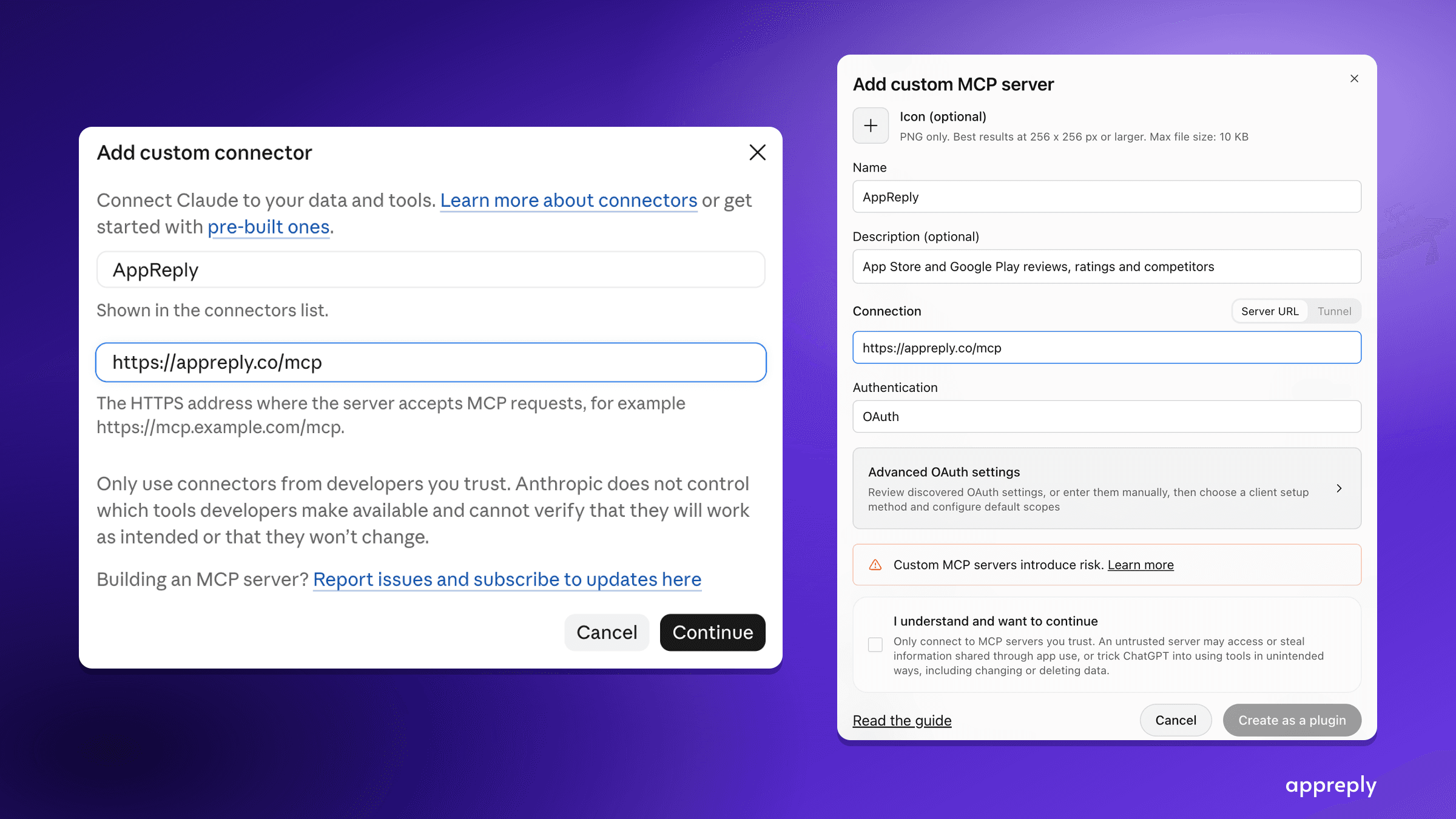
- In Claude, open Customize > Connectors, choose + Add, then Add custom connector. On Claude Team and Enterprise, an Owner adds it first under Organization settings > Connectors, and members then connect it from Customize > Connectors.
- Name the connector "AppReply", paste the URL and click Continue.
- Claude reads AppReply's sign-in settings by itself: Sign in now and Register automatically come already selected. Click Add.
- On the AppReply connector page, click Connect. A page opens on appreply.co. Sign in if you need to.
- Pick the AppReply organization Claude should read, then click Allow access. You land back in Claude.
 Claude reads the sign-in settings from the server, so both choices arrive already selected.
 One organization per connection, and the page says where you will be sent back.
Once connected, Claude lists all 16 AppReply tools. Each one asks for your approval before it runs, until you change that per tool.
 The AppReply connector in Claude, with its 16 tools set to ask before they run.
Did the consent screen say Check where this goes before you allow it? Click Deny unless you started the connection yourself, from that app. Anyone can register an app under any name.
The full steps and troubleshooting are on the Claude (MCP) page of the AppReply docs.
Connecting ChatGPT, Cursor and other AI agents
The same URL works in any agent that can add a remote MCP server with OAuth sign-in and register itself as a client. In technical terms, the agent needs remote MCP support, OAuth with PKCE and dynamic client registration.
In ChatGPT, open Plugins, choose Add, then Add custom MCP server. Name it "AppReply", paste https://appreply.co/mcp under Connection and choose OAuth under Authentication. ChatGPT reads AppReply's sign-in settings from the server, so Advanced OAuth settings can stay as they are. Tick I understand and want to continue and click Create as a plugin. On the plugin's page, click Connect and confirm. Then sign in on appreply.co, pick the organization and click Allow access. The consent screen names ChatGPT and says it will send you back to chatgpt.com.
 In ChatGPT, a remote MCP server is added from Plugins.
To use it, tag AppReply in your message. Asked for the three most common complaints in 200 recent US Google Play reviews of Subway Surfers, ChatGPT answers like this:
 ChatGPT turns the 200 reviews into a card: the sample dates, the average rating, and how many reviews sit behind each complaint.
Other agents follow the same shape: add a remote MCP server, enter the URL, choose OAuth. Menu names vary, so look for "connectors" or "MCP servers" in the settings.
What your agent can look up
The 16 tools fall into two groups.
Your AppReply data. These cover the organization you chose and your own apps. Competitor apps you track in AppReply are reached through the public store tools instead. Review and insight tools stick to each app's monitored countries, and an app with none set covers every country.
Public App Store and Google Play. These work for any app on either store, one country at a time. The default is the US. For an app you've connected to AppReply, they use its first monitored country.
| Tool | What the agent gets | Most per call |
|---|---|---|
list_connected_apps | Your apps, with platform, monitored countries and how many reviews are stored | 25 per page |
search_reviews | Your collected reviews with their replies and translations. Filter by text, app, star rating or dates | 50 |
list_unreplied_reviews | Reviews with no reply yet: your support queue. Filter by app, highest star rating or dates | 50 |
get_review_insights | AppReply insights: surges, drops and rating changes, with the root cause and actions when found | 25 |
search_knowledge_base | Passages of an app's knowledge base closest in meaning to a question | 25 |
get_version_history | Your app's release history, newest first | 25 |
search_app | Store apps matching a name, in the store's own order | 50 |
get_app_details | The listing: description, ratings, screenshots, version, developer | 1 app |
fetch_reviews | Live public reviews from the store | 200 |
analyze_reviews | A star split, weekly counts, and counts of common English praise and complaint words | 200 reviews |
get_similar_apps | Google Play's related apps; on iOS, top search matches for the genre | 40 |
get_developer_info | A developer's apps, with the total found | 25 listed |
get_pricing_details | Price and monetization model; in-app purchase hints on Android only | 1 app |
analyze_top_keywords | The first page of results for a keyword: publisher spread, average rating, share that are paid | 1 keyword |
get_keyword_scores | A rough difficulty score from 1 to 10, from the first 10 results | 1 keyword |
suggest_keywords | The store's search suggestions for a keyword | 30 |
Two tools deserve a note. analyze_reviews counts English words, so for what people complain about, have the agent read the reviews with fetch_reviews. get_keyword_scores measures competition, not traffic, because neither store publishes search volume.
Questions worth asking about your app reviews
Name the app and the period, and the agent will pick the tools.
Your support queue
- "List the unreplied 1 and 2 star reviews for [app] from the last 7 days and group them by problem."
- "Search our reviews from the last 14 days for 'login' and quote the five clearest ones."
What changed
- "What insights has AppReply flagged this week? Start with the most severe."
- "We released a new version on [date]. Compare 1-star reviews from the week before and the week after."
Your help content
- "A reviewer says they can't export to PDF. What does our knowledge base say?"
Competitors and the stores
- "Fetch 200 recent Google Play reviews of [competitor] in Germany and give me their three most common complaints."
- "Which apps does Google Play show as similar to ours, and how do their ratings compare?"
- "How hard is the keyword 'habit tracker' on the App Store, and who holds the first page?"
Here is the first competitor question in Claude, asked about Subway Surfers in the US:
 One call to fetch_reviews, and Claude says up front that the 200 newest US reviews only cover October 25 to 27.
If the agent can't find one of your apps, ask it to list your connected apps first. The tools for your own data take AppReply's app ID, not the store ID.
Limits worth knowing
- Caps per call. 50 of your reviews, 200 public reviews, 25 insights. Your own data arrives a page at a time, so a question about a whole quarter takes many calls.
- Rate limits. 60 requests a minute per connection, and 120 across your organization. Reading public reviews counts as 5 requests and a knowledge base search as 2. Past a limit, the agent is told to retry shortly.
- One organization per connection. To switch, disconnect and connect again.
- Two public stores. Store research covers Google Play and the App Store. Reviews from Samsung Galaxy Store, Huawei AppGallery and RuStore come through your own data tools when those apps are connected to AppReply. Those three stores have no version history.
- App Store details. Public App Store reviews arrive in every language and don't say whether they were answered. A reply written in App Store Connect, outside AppReply, may not show when the agent lists unreplied reviews.
- Reconnecting. A connection ends after 30 days without use, or 90 days after you allowed it, whichever comes first. The agent then asks you to connect again.
An MCP server, or a CSV pasted into ChatGPT
The usual alternative is to export your reviews and upload the file to ChatGPT or Claude. For one quick look, that works, and the model sees every row at once.
The trouble starts the second time. A CSV is a snapshot. It holds only the history you exported, it ignores reviews that arrive later, and next week's question needs a fresh export. It has no store data either, so a competitor question means a separate lookup.
With the MCP server, the agent fetches the reviews it needs when you ask, from data AppReply keeps collecting, and it can look up any public app in the same chat. The trade-off is the cap: the agent reads in pages, not the whole file at once.
When to ask RADAR inside AppReply
RADAR, AppReply's own AI agent, works beside every page of the dashboard. Reach for it when you want:
- Charts. Up to three per answer, time first, each naming its sample.
- Filters on your feed. Ask for unreplied 1 and 2 star reviews from the last 30 days, and RADAR sets that filter on your reviews feed, with Undo.
- Reply drafts. RADAR drafts replies into your feed for you to approve, up to 12 at a time.
Ask Claude or your own agent when the question belongs next to other work there, like a spec, release notes or a research doc. Ask RADAR when you want the answer on a chart or on your feed. Replies under your reply rules are a separate job, handled by AppReply MAX, the reply agent.
 One sentence in the side panel, and the feed below is already filtered to unreplied 1 and 2 star reviews, with Undo one click away.
Get started
- Start a 10-day trial or pick a plan, and connect your apps to AppReply.
- Add
https://appreply.co/mcpto Claude as a custom connector, following the docs page, or to any other agent that supports remote MCP servers. - Ask about your unreplied reviews first. It's the fastest way to see what the server returns.
To see what RADAR does with the same questions inside AppReply, read about the AI agent for app reviews.
Frequently asked questions
Can Claude analyze my app reviews?
What is AppReply's MCP server?
Is it an App Store Connect MCP server?
Is there an open-source version?
Does it work with ChatGPT, Cursor or other AI agents?
Does it read the App Store and Google Play?
Which AppReply plan do I need?
How many reviews can the agent read at once?
Can one connection read several AppReply organizations?
See every review. Know what changed. Reply with confidence.
Bring monitoring, full Analytics, MAX, and Reply Quality into one app review workflow.


More blog posts to read
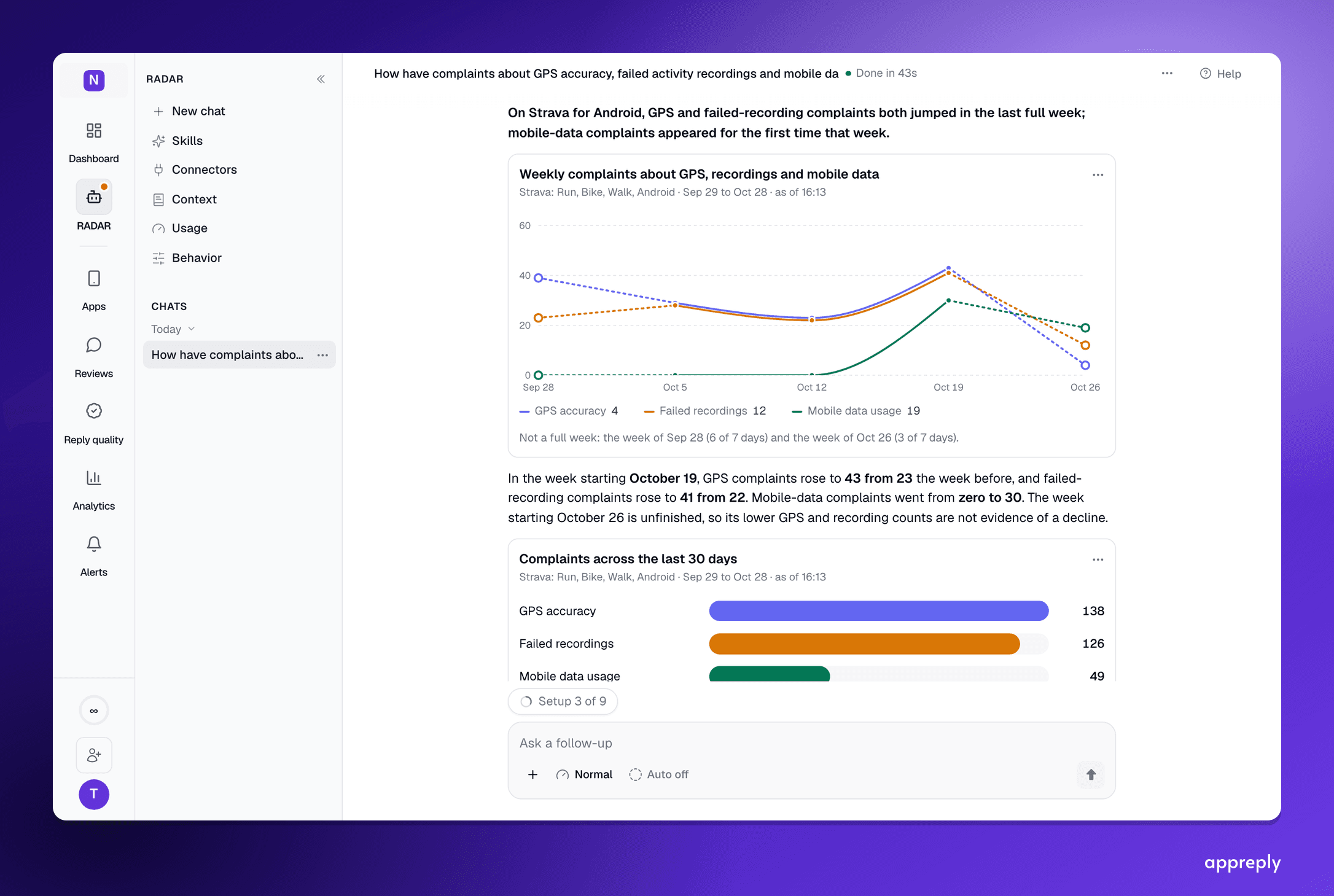
App review analysis with an AI agent: ask the question, check the answer
How to analyze App Store and Google Play reviews by asking an AI agent: the four things a trustworthy answer shows, three worked questions, and how to check the result before you act on it.

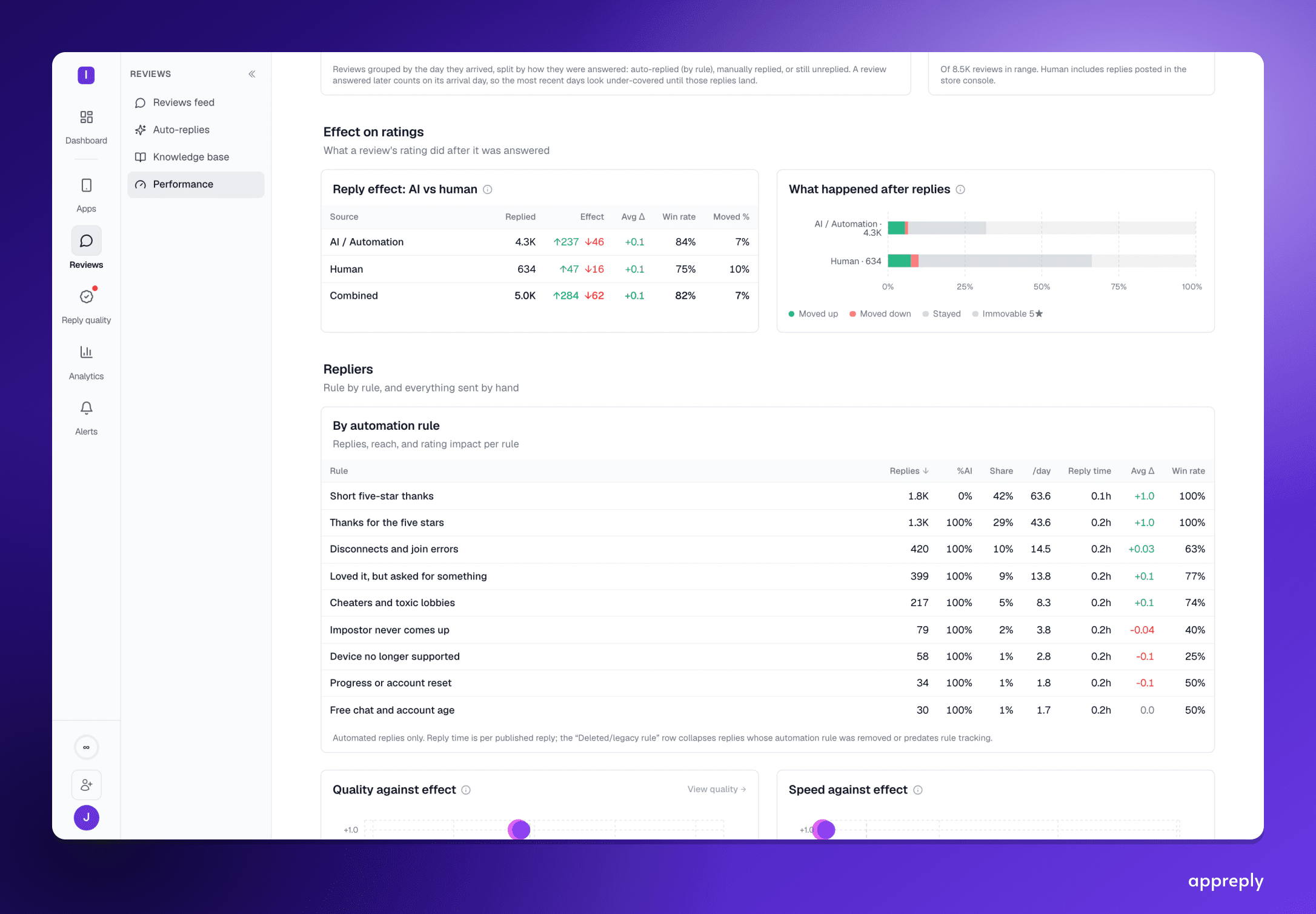
How to respond to negative app reviews: 12 graded examples
How to respond to negative app reviews: 12 paraphrased real replies, 4 graded pass or fail and 8 that got a rating raised.