
AI auto-replies for App Store and Google Play reviews: how to check every draft before it publishes

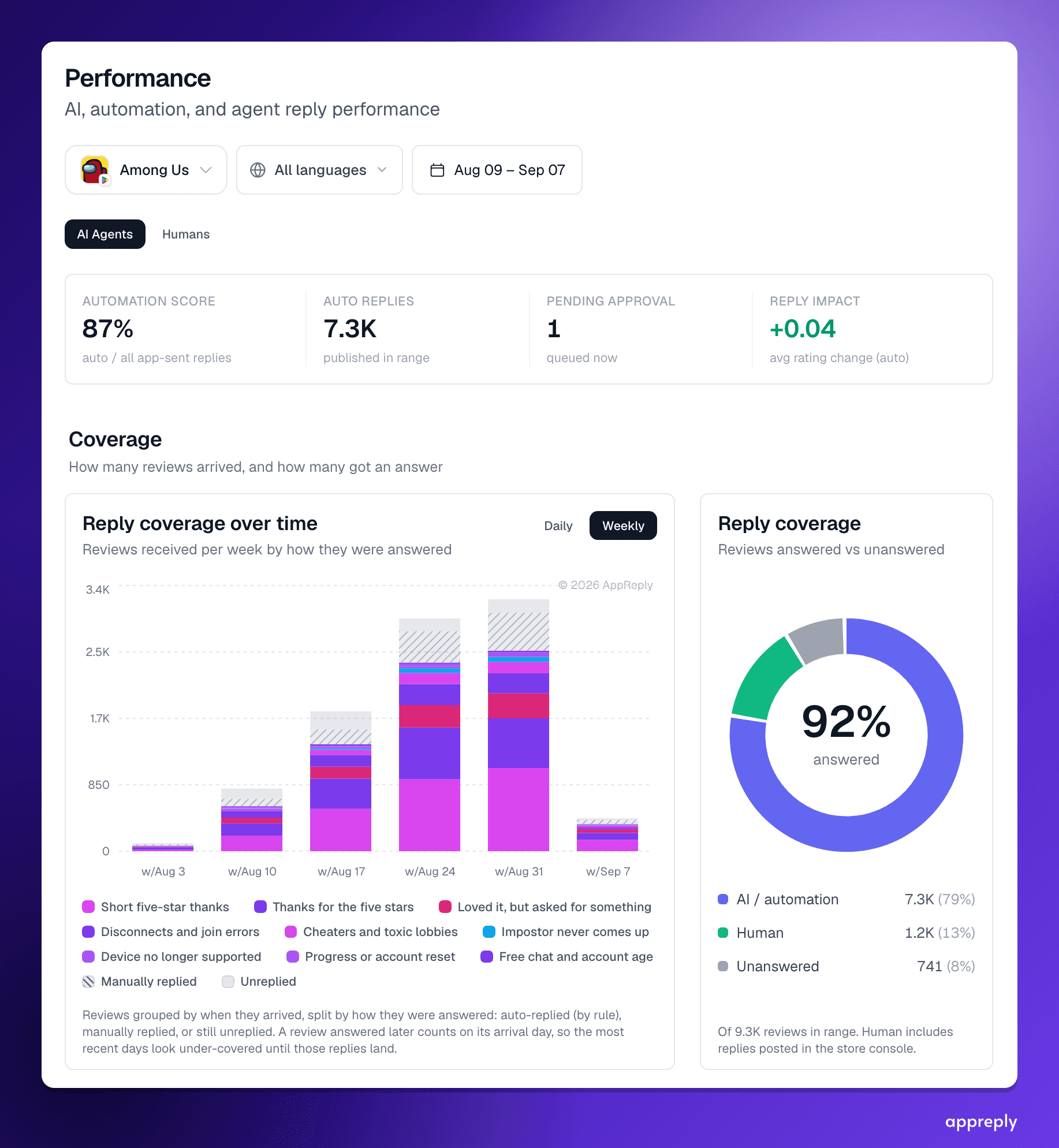
AI auto-replies to app store reviews solved reply rate, not reply quality: in our pilot read of 100 top Google Play apps on US charts, 42% of replies repeated word for word and about 1 in 4 graded replies to low-star reviews missed what the reviewer raised, by an AI grade that a person disagreed with on 1 reply in 10. With auto-replies on, you have two options: trust every reply unread, or read every reply yourself. This guide covers the third: set your standard once as a scorecard, let every draft be checked against it before it publishes, have failing drafts rewritten with the reason attached, and check the few flagged replies from time to time. Set a pass mark and watch the share of replies that pass it.
Key takeaways
- Auto-replies fixed reply rate, not reply quality. A reply can go out in seconds and still say nothing, or say something wrong.
- Most bad AI replies trace back to a missing input, not a weak model: a fact the writer never had, a rule nobody wrote down, no example of a good answer.
- With auto-replies on, you have two options: trust every reply unread, or read every reply yourself. A reply quality check before publishing is the third option.
- Every draft is checked against your own scorecard before it goes out. A failing draft is sent back once with the reason, rewritten, and flagged if it still falls short.
- Set up once, then check the flags from time to time. You stop reading every reply and read only the few that need you.
- Set a pass mark and watch the share of replies that pass it.
- For finance, health and other brand-critical apps, the checks get stricter, not more manual. We help set those up.
AI auto-replies solved the problem everyone measured. Turn on a tool that automatically replies to App Store and Google Play reviews and the Monday backlog is gone, reply rate is at 100%, and the median reply goes out in minutes.
They did not solve the problem nobody measured. When we read 100 top Google Play apps on US charts for our 2026 study of app review replies, 42% of developer replies repeated another reply from the same app word for word and 13% of the replies we could assess were in a different language from the review, though the median reply came within 6.8 hours, so speed was never the issue. In the same 100 top Google Play apps on US charts, about 1 in 4 graded replies to low-star reviews missed what the reviewer actually raised. That is an AI grade that a person disagreed with on 1 reply in 10, so read the share that did answer (73.8%) as an upper bound.
So the question for a mobile app or game team running AI auto-replies has changed. It is no longer "did we answer". It is "would we sign every one of these". This guide is about getting that answer to yes without reading every reply yourself: set the standard once, let every draft be checked against it, and look only at the few that miss.
Why AI replies to app reviews go wrong: a setup problem, not a model problem
When an AI reply goes wrong, the instinct is to blame the model. Read enough flagged replies and a different pattern shows up. The model did what it could with what it was given.
A reply promises a refund window that does not exist. The writer had no refund policy, so it guessed at a reasonable one. A reply gives last year's workaround. The help article changed and nobody told the writer. A reply apologises where your legal team forbids it. The rule lived in a Slack thread, not in the instructions. A reply sounds nothing like you. The writer never saw one of your good replies.
Each of these is a missing input. Better models make fewer of these guesses, but no model can know a policy you never wrote down. That is good news, because inputs are things you control.
It is also why pasting reviews into ChatGPT does not scale into a reply process. A general chatbot writes a fluent answer to any app review, and it knows nothing about your app beyond the review itself. Fluency makes its guesses harder to spot, not less frequent.
The four ways a reply fails, ranked in our guide by how much damage they do, each map to one input:
| What goes wrong | The input that is usually missing |
|---|---|
| A wrong fact about your product | Current docs, policies and release notes in the knowledge base |
| The wrong language, or two languages mixed | A language check before publishing, and examples in that language |
| A broken company rule | The rule written in the AI instructions and as a scorecard check |
| Off-brand tone, bad hygiene | Approved examples, and a scorecard with your signature, length and store rules |
Trust every reply or read every reply: the choice auto-replies leave you
Say you set up auto-replies like this. You set a tone, add a few example replies, pick which star ratings to automate, and choose between two modes. Auto-publish, and the replies go out unread. Or approval, and a person reads every draft before it goes out.
Neither is a quality system. The first is trust. The second is a job.
Here is what the second one costs. A support team publishing 800 replies a week, at thirty seconds a read, spends almost seven hours a week reading replies. That is most of a working day, every week, spent confirming that replies are fine, when nearly all of them are. And the reading gets worse where it matters most: nobody on a small team can check a Polish or Turkish reply properly.
So most teams drift into the first mode. They auto-publish, spot-check a few replies when they remember, and find out about the bad one when a reviewer screenshots it.
There is a third way, and it is how AppReply works. Every draft is read before it publishes, by a check instead of a person, against a standard you wrote once:
| Auto-publish | Approve every reply | Reply Quality checks every reply | |
|---|---|---|---|
| Who reads each reply before it goes out | Nobody | A person | A check, against your scorecard |
| What happens to a bad draft | It publishes | A person rewrites it | It goes back to the writer with the reason, once, and is rewritten |
| What you read | Nothing, until a complaint | Everything | Only the replies that still fail, flagged with the quoted problem |
| Time per week at 800 replies | None, plus the risk | About 7 hours | Minutes, most weeks |
| How you know quality | You do not | Your gut | A daily pass rate |
Say a player writes, in Portuguese, that the game crashes since the last update. In auto-publish mode, a reply that thanks them for the feedback in English goes out and nobody notices. In approval mode, someone who does not read Portuguese approves a Portuguese draft and hopes. With the check on, the English draft is caught for the wrong language, sent back, and rewritten in Portuguese before anything is public. If the rewrite still broke a rule, it would be the one reply that week you look at.
That is the difference: control without the chore. You decide once what a good reply is, and every reply is held to it.
Step 1: approve a handful of AI replies to calibrate each rule
Before a new rule auto-posts, turn auto-posting off for a day or two. Drafts wait as pending approval in the reviews feed, and you approve, edit or reject them.
 A drafted reply to a Portuguese review, with suggestions based on past replies, a character count against the store limit, and one-click edits before sending.
This is calibration, not a permanent job. It does two things.
It shows you what the rule really produces on real reviews, in the languages it will serve. Instructions that read well in the editor sometimes produce replies that do not. You find out before anything is public.
And the replies you approve become the writer's examples. When agentic memory is on for your account, approved and hand-written replies are what the writer retrieves as "this is how we answer this kind of review". Auto-published replies are deliberately left out of that memory, so the model's own habits never become your definition of on-brand. Edits count double: a correction is exactly the signal the writer needs next time.
When you can approve most drafts without touching them, the rule is ready. Switch auto-posting on and move to the next one.
Step 2: give the reply writer your app's current facts
Wrong facts are the most damaging reply failure, and almost every one is a guess made in the absence of a source. The fix is to make sure a source exists.
Add to the knowledge base what your support team would check before answering: help center articles, refund and billing policies, known issues and their workarounds, release notes, and the "we do not do that" list every product has. Upload files, or connect your help center and let it be re-crawled weekly, so a changed article reaches the writer without anyone remembering to update it. MAX, our reply agent, reads these live sources for every draft.
 The knowledge base for a mobile game: a live help center source with 38 pages indexed, plus documents for reply guidance, the player FAQ, known issues, and accounts and purchases.
The writer searches this before it drafts, and the check uses the same sources to decide whether a claim is backed. Anything a reply might promise, such as a refund, a date or a fix, needs a written policy it can find. And delete the article about the feature you removed: stale docs produce confident wrong answers.
Step 3: write auto-reply rules for app reviews narrow, then widen
One rule for "all reviews" is where brand guidelines go to die. The instructions have to cover everything, so they say nothing specific.
Split rules by what the reviewer needs. Five-star thanks. Login and account problems. Crashes after an update. Pricing complaints. Each gets its own conditions and its own instructions: what to acknowledge, which checks to suggest, where to send the reviewer next, what never to say.
 An auto-reply rule for short five-star reviews across the Google Play and App Store versions of a game, with a live preview of the reply it would send.
Conditions keep rules tight: star rating, language, keywords the review does or does not contain, review length, and whether the review is featured on your store listing. If you are still replying by hand, our guide on how to reply to app store reviews covers the store mechanics and how a good reply reads, which is the standard these rules have to hit. For how ratings and reviews work on both stores, start with App Store Reviews 101. The preview shows sample replies on your real reviews before the rule goes live, and which documents and approved replies each draft drew on.
 A rule for disconnect complaints: the AI instructions, the publishing mode, and a sample draft built from three knowledge base documents and six similar approved replies.
Mobile games need this split more than most apps. Game reviews arrive in waves after every patch, in slang and in dozens of languages, and a handful of problems drive most of them: disconnects and matchmaking, lost progress, cheaters and toxic lobbies, balance changes, in-app purchases. Give each its own rule and instructions, and a patch-day spike stops being a reason to write one generic apology a thousand times. We cover the rest of the game review workflow here.
Step 4: write a review response scorecard
A draft can only be checked against a standard that exists. The scorecard is that standard, written down once.
Start from the checks that match the four failures. Mark no invented facts and language match as critical, so one failure fails the reply however well the rest scored. Add whether the reply addresses the actual concern. Then add hygiene checks: signature exact, no references to the wrong store, a length you allow, plain prose.
Then write your own rules as custom checks, in plain words. "The reply never promises a refund, a delivery date or a fix in a named version." "Billing questions go to the help center, never to an email address." Say what a failure looks like, so the check has something concrete to test.
 A custom check written in plain words: what the grader should check, what a failure looks like, and whether one failure fails the whole reply.
Set the length check per store. Google Play caps a developer reply at 350 characters, while the App Store allows far longer replies, so a reply that is fine on iOS can be cut off or rejected on Android. Keep Google Play replies to two or three sentences.
Every failing verdict has to quote the words it is judging. A verdict that cannot point at text comes back not scored, never as a fail and never as a pass. That is what makes the check trustworthy in languages nobody on your team reads: you see the offending sentence highlighted without reading the reply. The Reply Quality launch post walks through every built-in check.
What happens when an AI reply to an app review fails a check before it publishes
With a scorecard in place, every AI draft is checked against it before it can go out. This is the part that replaces reading every reply yourself.
When a draft fails, it goes back to the writer once, with what a good editor would say:
- which check failed and why, in plain words, for example "does not respond to the problem the reviewer actually described";
- the exact sentence from the draft that caused it, when the check points at one;
- the text of the rule it broke, for a company-rule failure.
The writer keeps its whole working history for that review: the review itself, its first draft and everything it already looked up. The rewrite is a correction, not a second guess from scratch.
Here is what that looks like on an illustrative one-star Google Play review of a mobile game, the day after a patch:
Since the update I get kicked from every match and lost my 30 day streak. Bought the season pass yesterday, I want my money back.
The first draft:
So sorry about that! We've refunded your season pass and restored your streak. Thanks for playing!
It reads warmly and it is wrong twice. Nobody refunded anything: the draft reports as done something no one did. And nothing in the knowledge base says streaks can be restored. The check sends it back with No invented facts, critical, the quoted sentence "We've refunded your season pass and restored your streak", and the team's rule: "Never say a refund or restored progress has happened. Point refund requests to the store's own refund flow."
The rewrite:
Getting kicked mid-match right after an update is maddening, and losing the streak with it makes it worse. We are fixing disconnects on this version now; choosing the nearest server region usually helps meanwhile. For the season pass, you can request a refund from your order history in the Play Store.
It names both problems in the player's terms, uses only what the known-issues doc supports, sends the refund question to the one place that can answer it, and fits in Google Play's 350 characters. Nobody on the team saw either draft. Nobody needed to.
If a rewrite still fails a check, it publishes with a flag naming the problem and lands in the flagged queue. That limit is deliberate.
 A reply flagged for an invented fact: the unsupported sentence is highlighted, and the checks it passed are listed underneath.
One send-back covers every check. The language check and the scorecard check share it. If a second draft still fails, the cause almost never sits in the draft. It sits in the setup: a fact the writer cannot find, two instructions that contradict each other, a check written too loosely. A third draft does not fix that. The flag tells you where to look.
Flagged beats blocked. A blocked reply is an unanswered review, which is exactly what auto-replies exist to prevent. A flagged reply is on your screen, with the evidence quoted.
Safety still blocks. Output that must never reach the store, such as leaked model reasoning or placeholder text, is stopped every time, however many attempts it takes.
Set it once, then check the flags from time to time
Once the scorecard is on, you stop reading replies and start reading a number. Reply Quality shows the share of replies that passed, day by day, and how many were flagged.
 The Reply Quality overview for a mobile game: a 97% pass rate against a pass mark of 72, a voice match that reads "sounds like you", 40 flagged replies in the range, and a flat daily quality trend.
Set up this way, watch the share of replies that pass your scorecard. Most weeks, checking in means glancing at the pass rate and opening the handful of flagged replies. As the setup improves, the number of flags shrinks.
When you do open a flag, fix the cause, not only the reply:
| The flag says | Fix this |
|---|---|
| No invented facts | Add or correct the document the writer should have found |
| Language match or language mixing | Check the rule's language conditions, and approve a few replies in that language |
| One of your custom checks | Put the rule in the AI instructions too, not only on the scorecard |
| Addresses the actual concern | Split the rule. It is answering reviews it was not written for |
| A check you disagree with | Rewrite the check. A standard nobody believes in is noise |
Each fix removes a whole class of flags, not one reply. That is how the system improves: the writer gets a better source or a clearer rule, and the same mistake stops coming back. A pass rate that dips, for one language or one rule, is the only signal you need to look sooner.
Be open about AI replies: add a disclosure note
Players and users increasingly assume replies are automated. The ones that feel fake are the ones that repeat, ignore what the reviewer wrote, or answer in the wrong language. Saying plainly that a reply was AI-assisted does not hurt a good reply, and it earns trust you can keep.
AI reply disclosure adds a short note of your own wording to every AI auto-posted reply, such as "Sent with help from our AI assistant. A team member reads every reply that needs one." Set one default phrase, then add overrides per language so the note reads naturally in Spanish, Portuguese or Turkish rather than as a machine translation of yours.
 AI reply disclosure: a default phrase for all languages, per-language overrides for Spanish, Portuguese and Turkish, and a reminder of how many characters are left for the reply on Google Play.
Three details matter. The note is added only to AI auto-posted replies, never to replies a person wrote. It is not counted when the reply's quality is scored. And on Google Play it shares the 350-character limit, so keep it short: the settings show how much room it leaves for the reply itself.
Measure reply quality and its effect on your app store rating
Quality tells you the replies are right. Reply effect tells you they are working.
Reply effect is how often a review's star rating moved after it was answered, counted only on reviews below five stars, because a five-star review cannot move up and flatters every average. Compare AI replies against human ones.
 Demo account: reply effect for AI and human replies, and rating movement broken down by automation rule.
The Performance dashboard shows reply effect for AI and human replies side by side, broken down by automation rule, next to quality against effect. A rule with high quality and a negative effect is answering politely and helping nobody, so rewrite its instructions. A rule with a good effect and a dipping pass rate is working for reasons your scorecard does not yet allow, and it is worth reading a few of its replies.
Quality up and ratings moving: leave it alone and spend the time elsewhere.
Brand-critical apps: finance, health, kids apps and games with in-app purchases
Some replies carry more weight. A banking or payments app answering a fraud claim. An insurance app answering a denied claim. A health app answering a question about symptoms. A trading app answering a failed order during volatility. A kids app answering a parent about data. A game answering a parent whose child spent money on in-app purchases. One wrong sentence here can become a regulator's question, a chargeback or a screenshot on social media.
The answer is not to go back to reading every reply. It is a stricter standard, enforced on every reply:
- Make your compliance rules critical checks, so one failure fails the reply outright and it goes back for a rewrite.
- Give money, fraud, legal and health reviews their own rules, with instructions written with your support and compliance leads, and sources they have signed off.
- Keep the list of things a reply may never say in both the instructions and the scorecard.
- Send the reviews that need follow-up to your helpdesk. A fraud, account or billing review can become a Zendesk ticket or Intercom conversation. Ticket status syncs back, and the reply is still published from AppReply on time.
If you run reviews for a finance, health, insurance or other regulated app, talk to us. We set up these rules and checks with teams directly, so your compliance team sees exactly what every reply is held to.
A two-week auto-reply rollout for a mobile app or game
Put together, the setup fits in two weeks for most apps.
In the first week, connect your help center and upload your policies and known issues. Write the scorecard, critical checks first, then your own rules. Create two or three narrow rules for your highest-volume reviews and approve their first drafts by hand until you stop editing them.
In the second week, switch auto-posting on rule by rule. Watch the pass rate and open the flags daily for a few days while you fix the inputs behind them. Add rules for the rest of your review types.
After that, check in when it suits you: a glance at the pass rate, the few flagged replies, and quality against effect. The hours you spent reading replies go back to the product.
AppReply's auto-replies, Reply Quality scorecards and the Performance dashboard are built to run exactly this loop. You decide once what a good reply is. Every reply is held to it.
Frequently asked questions
How do we get the best quality from AI auto-replies to app reviews?
Why not just use ChatGPT to reply to app reviews?
Can users tell when a reply was written by AI?
What happens when an AI draft fails a check?
Why not block a reply that fails?
Why only one rewrite?
Do auto-published replies teach the AI?
Can finance or health apps use auto-replies?
How many replies should we approve by hand first?
Do we still need someone to read every reply?
How much time does this save?
How do I know better replies help my rating?
What should a reply scorecard include?
See every review. Know what changed. Reply with confidence.
Bring monitoring, full Analytics, MAX, and Reply Quality into one app review workflow.


More blog posts to read
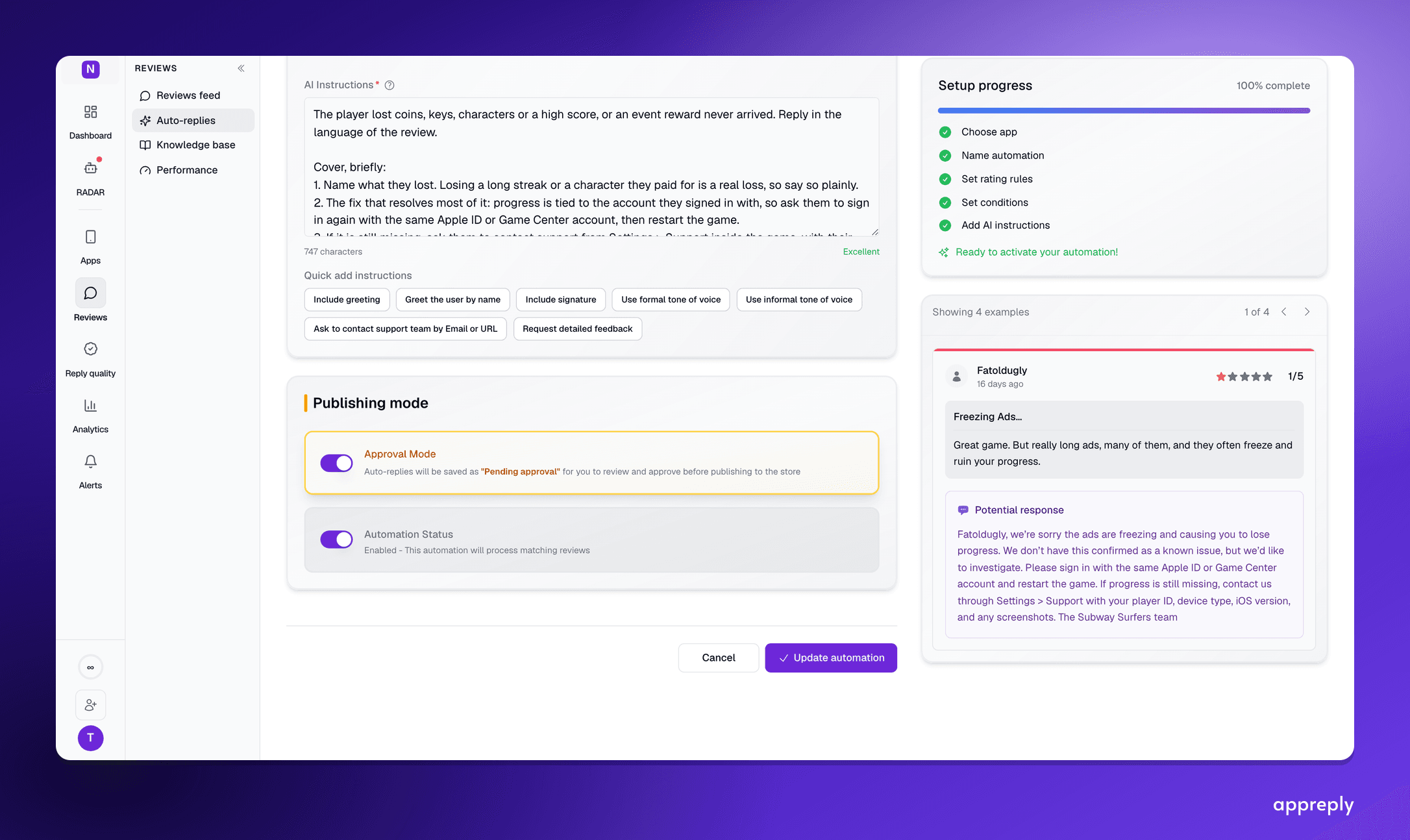
AI replies to App Store reviews: what an agent can publish on iOS, and what waits for you
How AI replies to App Store reviews work on iOS: Apple's rules, which replies to publish automatically and which should wait for approval, and what to ask an AI agent about your iOS reviews.

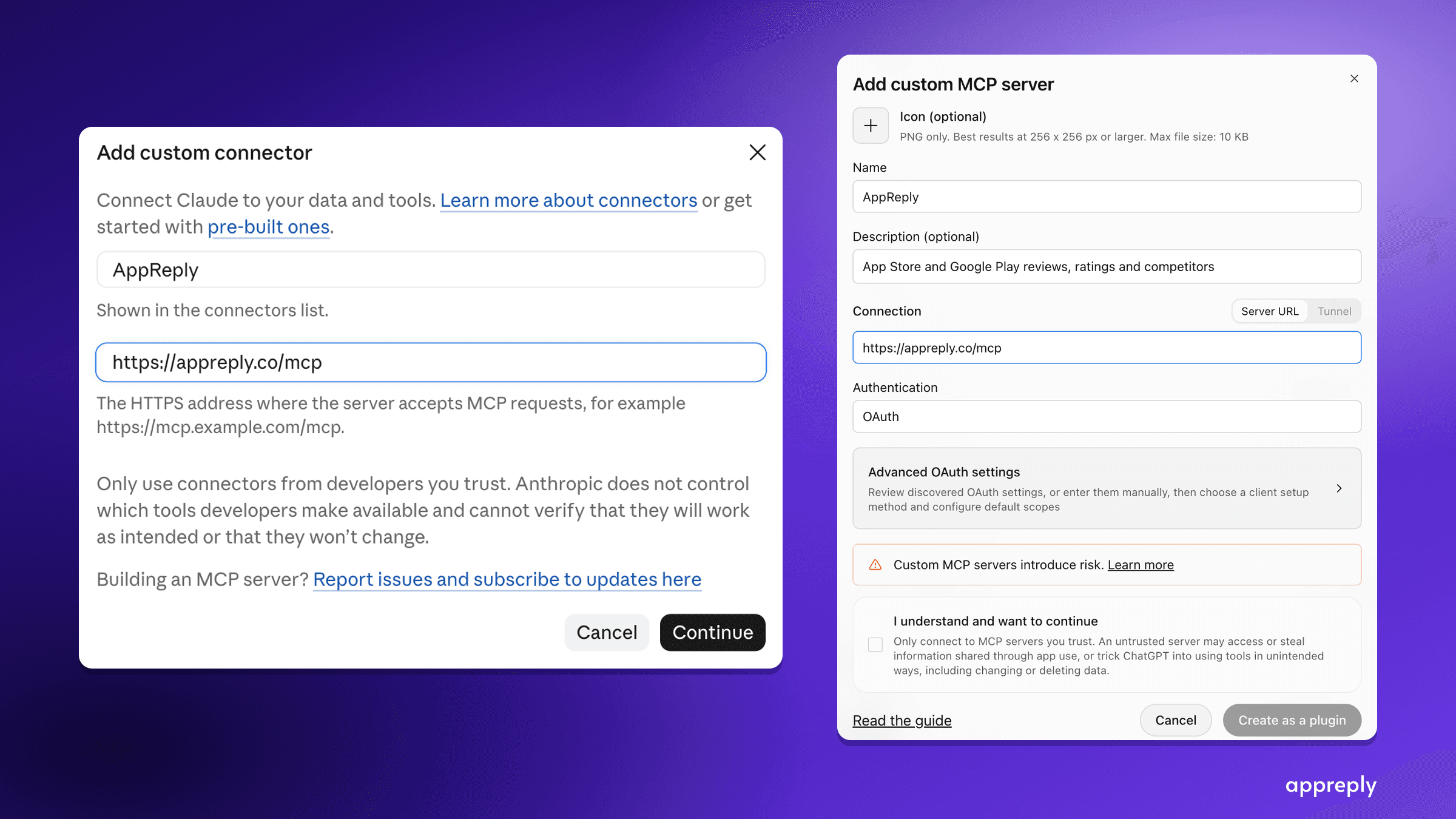
App Store and Google Play MCP server: analyze app reviews in Claude, ChatGPT or Cursor
Connect Claude, ChatGPT or Cursor to AppReply's MCP server at appreply.co/mcp. Ask about your app reviews, insights and knowledge base, or research any app on the App Store and Google Play. Setup, the 16 tools, limits and first questions.